
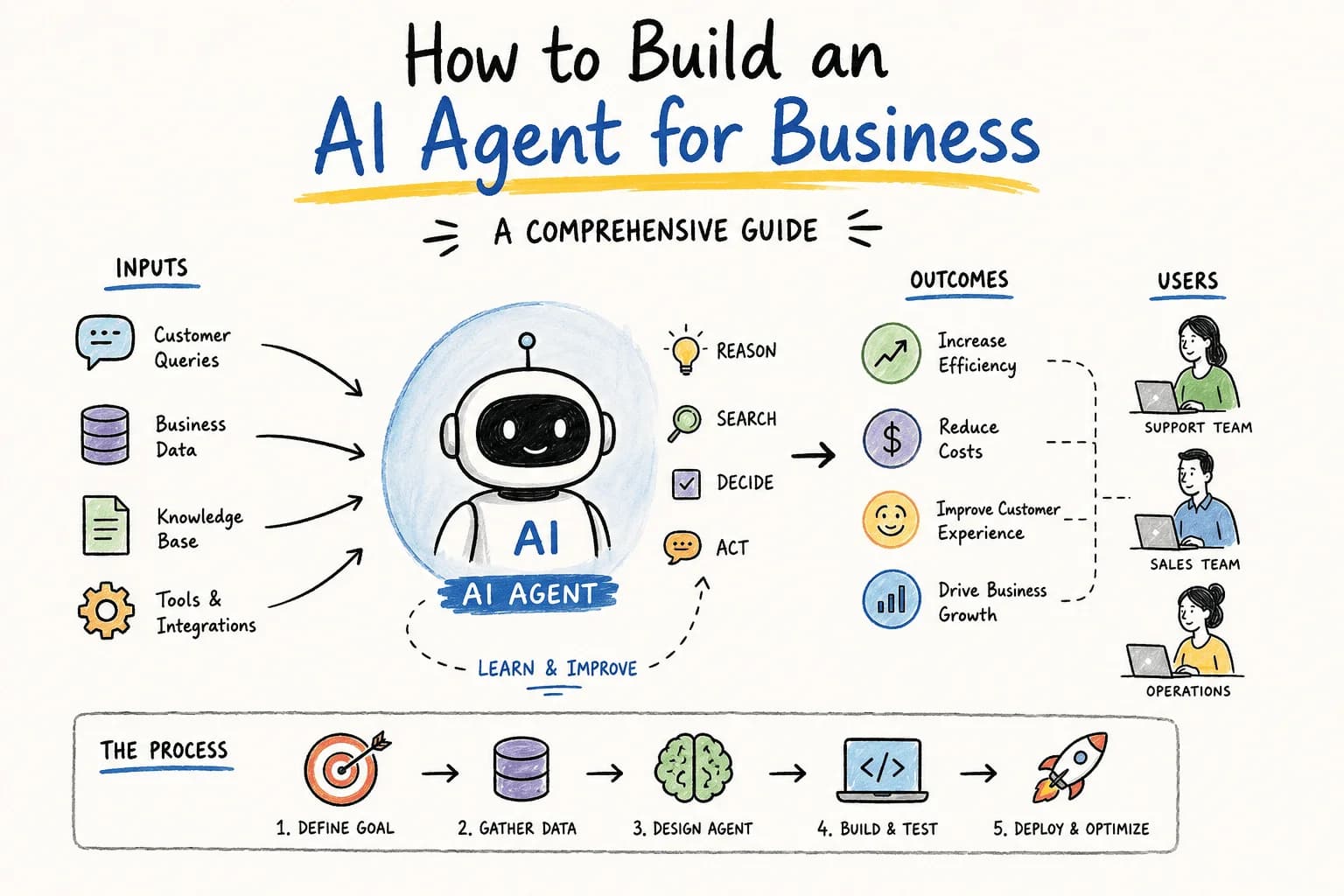
How Do I Build an AI Agent for My Business?
How Do I Build an AI Agent for My Business?
The Problem Nobody Wants to Admit Out Loud
You're in a meeting, and someone brings up a project that's stuck — again. The kind of delay that could've been avoided if the right info had just been in the right place at the right time. Or maybe it's your support inbox: tickets piling up, response times creeping from hours to days, and your team drowning in the same five questions over and over.
At some point you stop and think: there has to be a better way to handle this. That's usually the moment people start googling how to build an AI agent for their business.
Why This Is Worth Your Time
Building an AI agent isn't about chasing a buzzword so you can say you "use AI" in a sales deck. It's about fixing something that's actually broken — slow response times, repetitive manual work, information that lives in five different tools and nowhere useful. Done right, an AI agent gives your team back hours every week and gives your customers faster, better answers.
Below is the actual process — the steps, the tools, and the tradeoffs — for building one that solves a real problem instead of just looking impressive in a demo.
Step 1: Figure Out What You're Actually Trying to Fix
Before you touch any tool or platform, get specific about the problem. "We want an AI agent" isn't a goal — it's a vibe. What's the actual pain point?
Say you run a small e-commerce store. Your team spends half the day answering "where's my order?" emails, and half of those come in after hours when nobody's around to reply. That's a real, narrow, fixable problem — and it points you toward a very specific kind of agent: one that can check order status, answer common questions, and maybe nudge customers toward related products while it's at it.
Once you know the problem, decide what "better" looks like. Faster replies? Fewer repetitive tickets landing on a human's desk? Higher customer satisfaction scores? Pick your numbers now, because they're the only way you'll know later whether this thing actually worked.
Step 2: Pick Tools That Match Your Actual Skill Level (Not Your Ambitions)
This is where a lot of projects go sideways — people grab the most powerful, most flexible framework available and then spend three months fighting it instead of shipping something.
A few honest options, depending on where you're starting from:
- Dialogflow (Google) — solid for conversational agents, decent NLP out of the box, plays nicely with messaging platforms. Good if you want something running without a huge engineering lift.
- Rasa — open source, much more customizable, but you'll need developers who actually want to be in there tuning it. Better suited if you have specific, non-standard requirements.
- Microsoft Bot Framework — built for multi-channel deployment. Makes sense if you need the same agent showing up across several platforms at once.
Whatever you pick, don't skip the boring part: data handling and security. If your agent is going to touch customer data, order histories, or anything remotely sensitive, make sure whatever you build complies with GDPR, CCPA, or whatever applies where your customers actually live. This is not the place to cut corners.
Step 3: Design the Experience Like a Human Will Actually Use It
An agent can be technically brilliant and still feel awful to talk to. The difference between "helpful tool" and "thing customers avoid" usually comes down to how naturally it handles a conversation.
A few things worth actually thinking through:
- Map the conversation paths. What will people actually ask? Write out the real questions, not the tidy textbook ones, and design responses around those.
- Build in a way for people to give feedback. Even something simple — a thumbs up/down after a response — gives you real signal on what's working and what's making people want to hang up.
Here's what that looks like in practice: say your agent — let's call it HelperBot — gets a message: "Where's my order?" It pulls the order from your database, replies with the tracking info, and if that's not enough, offers to loop in a real person. No dead ends, no runaround. That's the bar.
Step 4: Test It With Real People, Then Fix What Breaks
Once it's built, resist the urge to launch it to everyone at once. Get it in front of a small group of real users first and watch what actually happens — not what you assumed would happen.
Pay attention to how well it resolves real questions, where people get confused or stuck, and where it just... doesn't get what someone's asking. You'll find gaps you never would have thought to test for.
Then iterate. Maybe it needs to understand more phrasings of the same question. Maybe its tone is too stiff, or too casual for your brand. None of this is a one-and-done process — the agents that actually work well are the ones that keep getting refined after launch, not just before it.
If You'd Rather Not Build This From Scratch
Everything above is doable in-house if you've got the time and the team for it. But if you'd rather skip the months of framework-wrangling and just get a working agent handling this stuff, that's exactly the gap tools like Supahmation are built to fill — pre-built, production-ready agents you can plug in rather than build from zero, covering things like customer support, lead follow-up, and repetitive back-office work.
Either path — DIY or a ready-made agent — the goal is the same: stop losing hours to problems a well-built agent could handle in seconds.
The Bottom Line
Building an AI agent for your business isn't about jumping on a trend — it's about closing a specific, annoying gap in how your team works. Get clear on the problem first, pick tools that match your actual capacity, design for how people really talk, and keep testing after launch instead of treating it as finished on day one.
Do that, and you end up with something that actually earns its place in your business — not just another tool nobody uses after week two.
Related articles
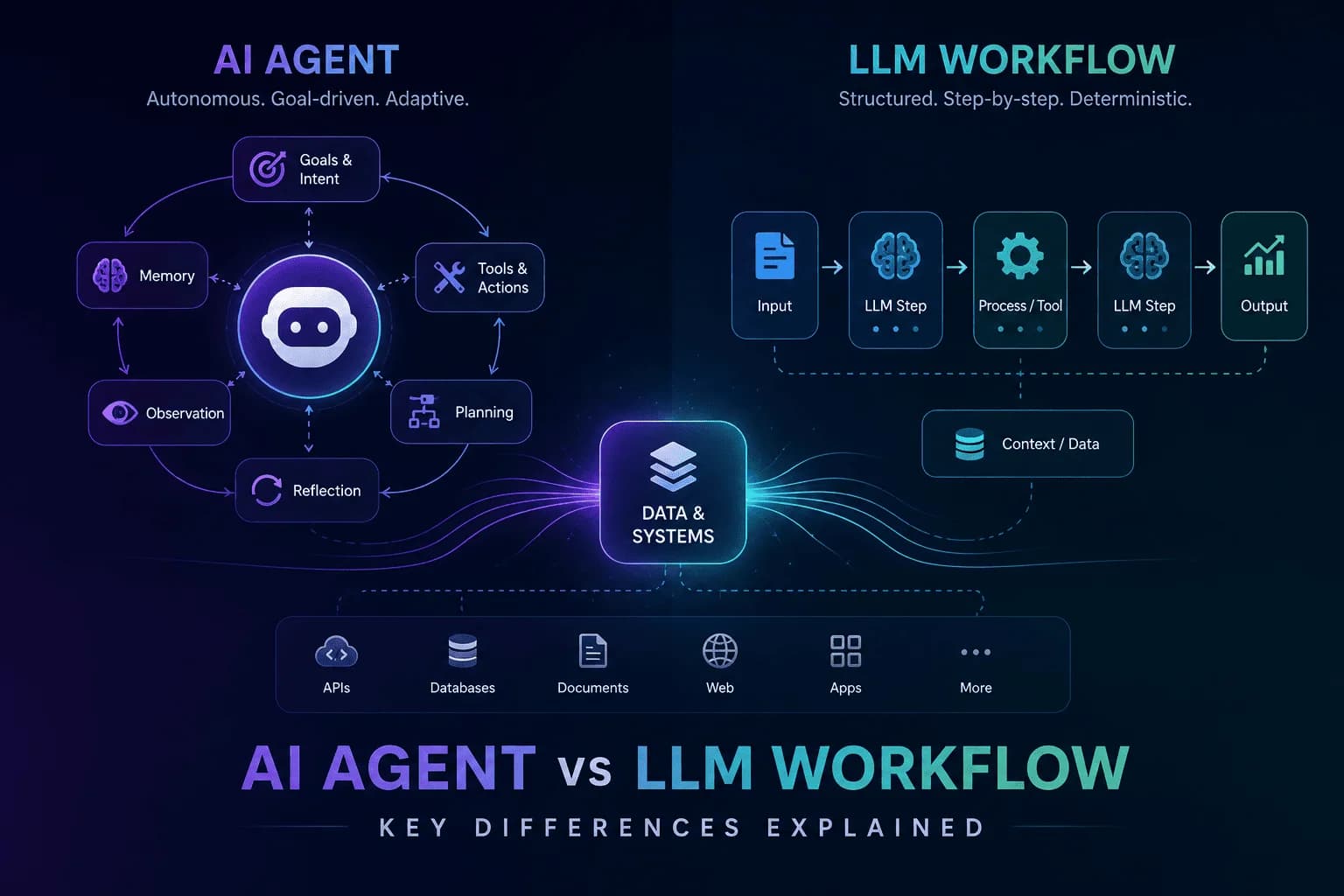
AI Agent vs LLM Workflow: Understanding the Key Differences
Unravel the distinctions between AI agents and LLM workflows to enhance your automation strategy. Discover their functionalities and applications.
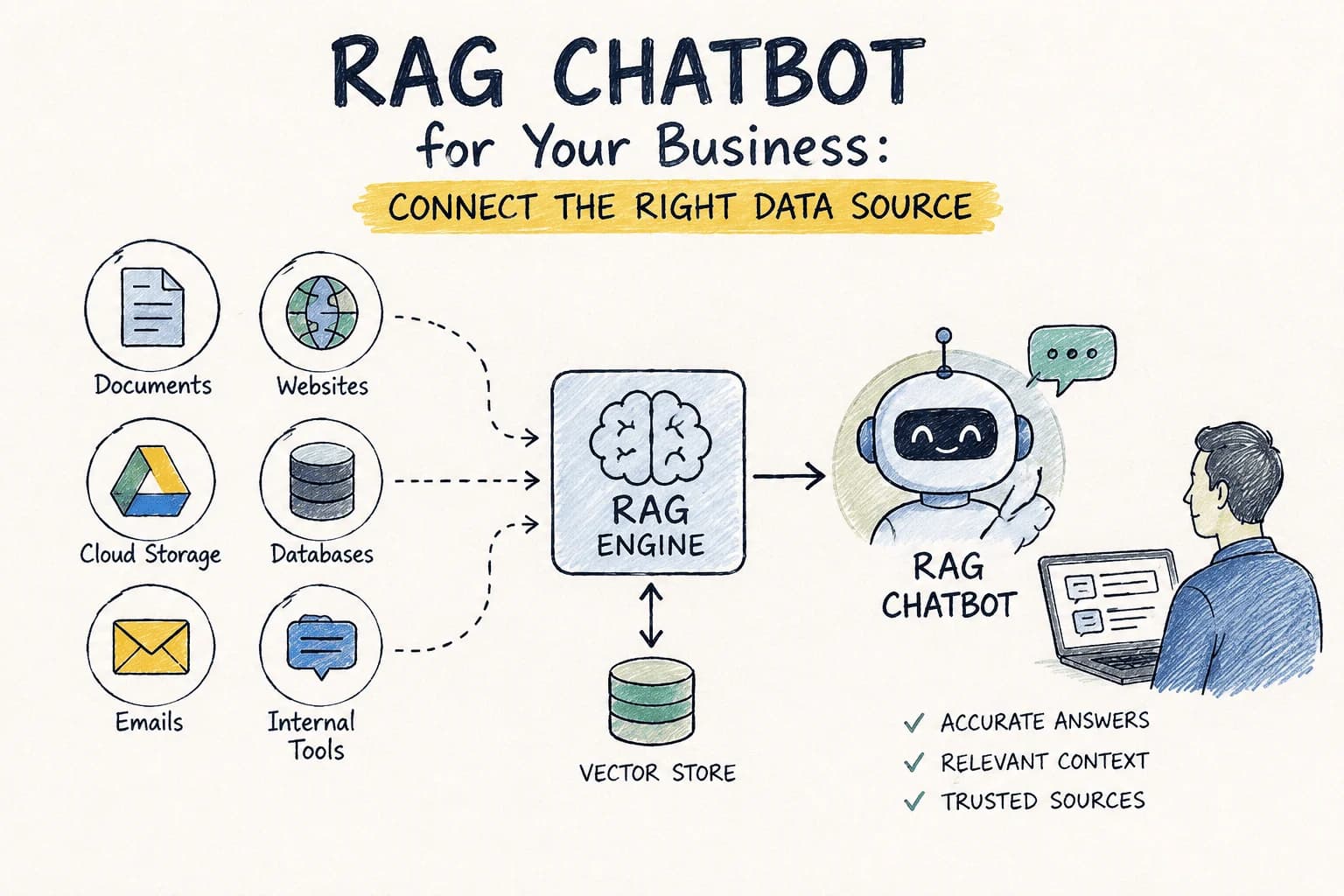
RAG Chatbot for Your Business: Which Data Source Should You Connect First?
Choosing the right data source for your RAG chatbot can be challenging. This guide compares options to help you decide which to connect first.
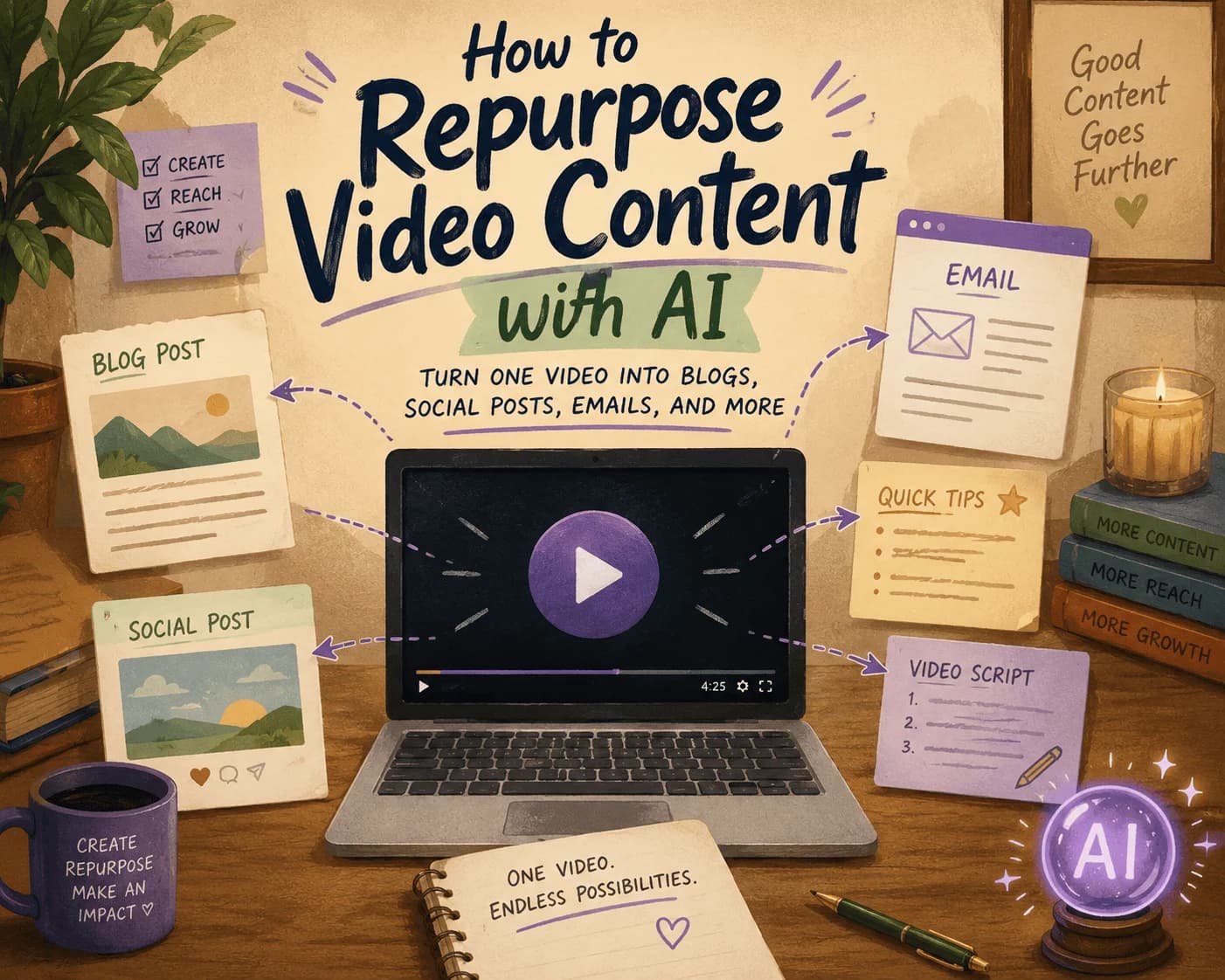
How to Repurpose Video Content with AI: Turn One Video into Blogs, Social Posts, Emails, and More
Discover how to efficiently repurpose your video content into various formats using AI, maximizing your reach across platforms.

AI GTM Outreach: How Modern Teams Personalize Sales at Scale Without Hiring More SDRs
Learn how AI GTM outreach is changing outbound sales by automating prospect research, personalized email creation, and campaign execution. Discover best practices, common pitfalls, and how AI agents can dramatically increase outbound efficiency.
The Complete SEO Audit Guide for 2026: How to Find and Fix Website SEO Issues Faster with AI
Learn how to conduct a comprehensive SEO audit in 2026 using AI tools to identify and fix website SEO issues efficiently.
Stay ahead in AI
Get updates on agents, MCP, and production AI workflows.
Comments coming soon.