
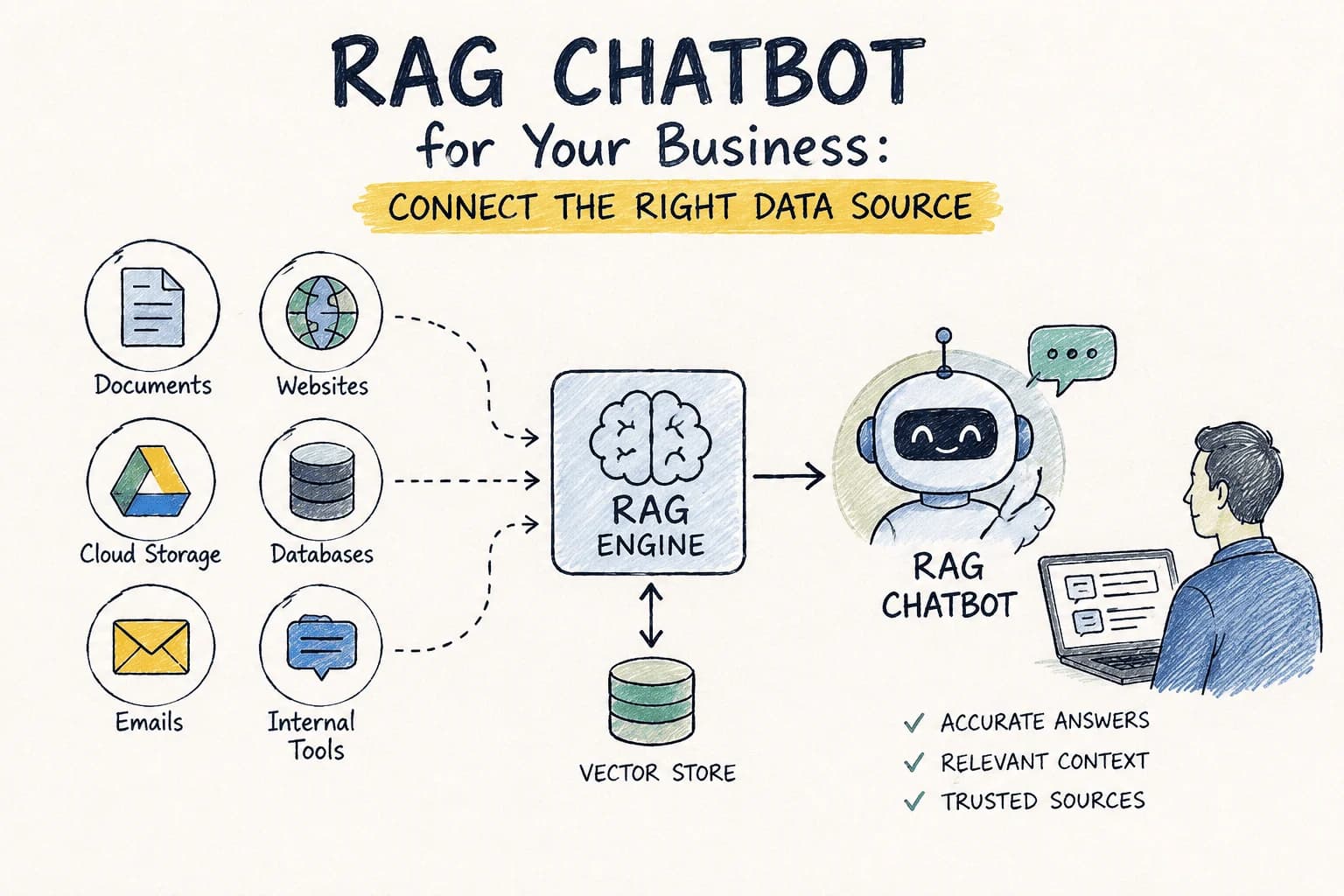
RAG Chatbot for Your Business: Which Data Source Should You Connect First?
RAG Chatbot for Your Business: Which Data Source Should You Connect First?
You've built the pipeline. The retrieval logic works, the model's wired up, the demo looks great. And then someone on the team asks the question that stops everything: "Okay, but which data source do we actually connect first?"
It sounds like a small decision. It isn't. Connect the wrong source first and you'll spend the next month explaining to frustrated users why the chatbot confidently gives them last quarter's numbers, or why it can answer questions about the marketing wiki but goes blank the moment someone asks about a customer contract. The order you plug things in shapes what people think the tool is for — and first impressions with an internal tool are hard to undo.
What a RAG Pipeline Actually Depends On
Retrieval-Augmented Generation pairs a language model with a retrieval layer, so instead of guessing from training data, the chatbot pulls real, current information from your own sources before it answers. That's the whole appeal of a RAG chatbot: it's only as good as what it's allowed to retrieve. Get the source selection right, and the model looks smart. Get it wrong, and no amount of prompt engineering saves you.
So before comparing options, it's worth being honest about what you're optimizing for.
Four Questions Worth Asking Before You Connect Anything
Where do your users actually go looking for answers?Not where you think the "important" information lives — where people already search when they're stuck. If your support team lives in Notion, a Notion AI chatbot will feel obvious to them within the first five minutes. If everyone's real work happens in shared docs, that's your starting point, not the tidy database nobody opens.
How often does the underlying information change?A source that's rewritten weekly earns its place at the front of the line. A source that's accurate but stale by the time anyone reads it will quietly train users to stop trusting the bot — and trust, once lost on an internal tool, is brutal to rebuild.
How much integration pain are you willing to absorb on day one?Some connections are a genuine RAG chatbot API call away. Others need scraping, cleanup, and a data engineer's afternoon before anything's usable. There's no shame in starting with the easy win and expanding from there.
What happens to the user experience if this source is wrong?Get the coffee-machine FAQ wrong and someone shrugs. Get contract terms or pricing wrong and you've got a real problem. Weight your first connection toward sources where a wrong answer is merely annoying, not costly.
Three Sources, Compared Honestly
Your internal knowledge base
This is usually the most relevant option by a wide margin — it's written by your own people, for your own users, about your own product. That specificity is hard to beat.
The catch is that "internal knowledge base" often means a graveyard of half-finished pages nobody's touched since 2023. A messy source doesn't just fail to help — it actively teaches the chatbot to be confidently wrong. If you go this route, budget real time for cleanup before launch, not after.
Where this shows up in practice: a startup wiring a Notion AI chatbot into onboarding docs and internal policies, so new hires stop pinging the same three people with the same three questions.Google Drive and shared documents
For teams that live in shared docs, this is often the fastest path to something people actually use. The integration itself is usually painless; the harder part is discipline. Connect an entire Drive without curation and you'll retrieve stale drafts, abandoned outlines, and duplicate versions of the same brief alongside the document that actually matters.
Where this shows up in practice: a marketing team that wants to chat with Google Drive documents — briefs, positioning docs, past campaign retros — to get straight answers instead of digging through folders during a Monday standup.External APIs and third-party data
These bring in information you could never produce internally — market data, live pricing, weather, whatever's relevant to your product. When the source is well-documented and reliable, this is a genuine multiplier.
The tradeoff is control. You're now dependent on someone else's uptime and someone else's data quality, and when that source hiccups, your chatbot inherits the problem whether it caused it or not.
Where this shows up in practice: a support chatbot leaning on a well-maintained external API to answer routine product questions accurately, without a human needing to keep the source current by hand.A Simple Way to Decide, In Order
1. Start with the questions, not the sources. Write down the ten things users actually ask. Whichever source answers the most of them wins the first slot.
2. Rank by how painful the integration is. All else equal, ship the easier win first and build momentum.
3. Weight toward freshness. A source that changes constantly deserves priority over one that's accurate but frozen in time.
4. Launch narrow, then widen. One well-curated source beats three messy ones. Add the second connection once the first is actually earning trust.
5. Watch real usage, then adjust. The queries people send in week one will tell you more about the right second source than any planning meeting will.
Where This Gets Easier
None of this requires standing up your own vector database or gluing together a retrieval stack from scratch. SupahMation's RAG agent lineup is built around exactly this decision: pick the agent that matches the data source you've prioritized — Notion RAG Chatbot for internal wikis, Google Drive RAG Chatbot for shared docs, Document Upload RAG Chatbot for PDFs and files people hand you directly, or Website Docs RAG Chatbot if your best answers already live on your own site.
And when one source stops being enough — which, if the chatbot's working, it eventually will — Multi-Source Knowledge Base lets you combine Drive, Notion, and your website into a single RAG chatbot API call instead of stitching three systems together yourself.
The Bottom Line
There's no universally "right" first data source — only the right first source for how your users actually search and how much your team can maintain on day one. Start with what's relevant, keep it current, and resist the urge to connect everything at once just because the API makes it possible. A RAG chatbot that does one thing reliably will always beat one that does five things approximately.
Related articles
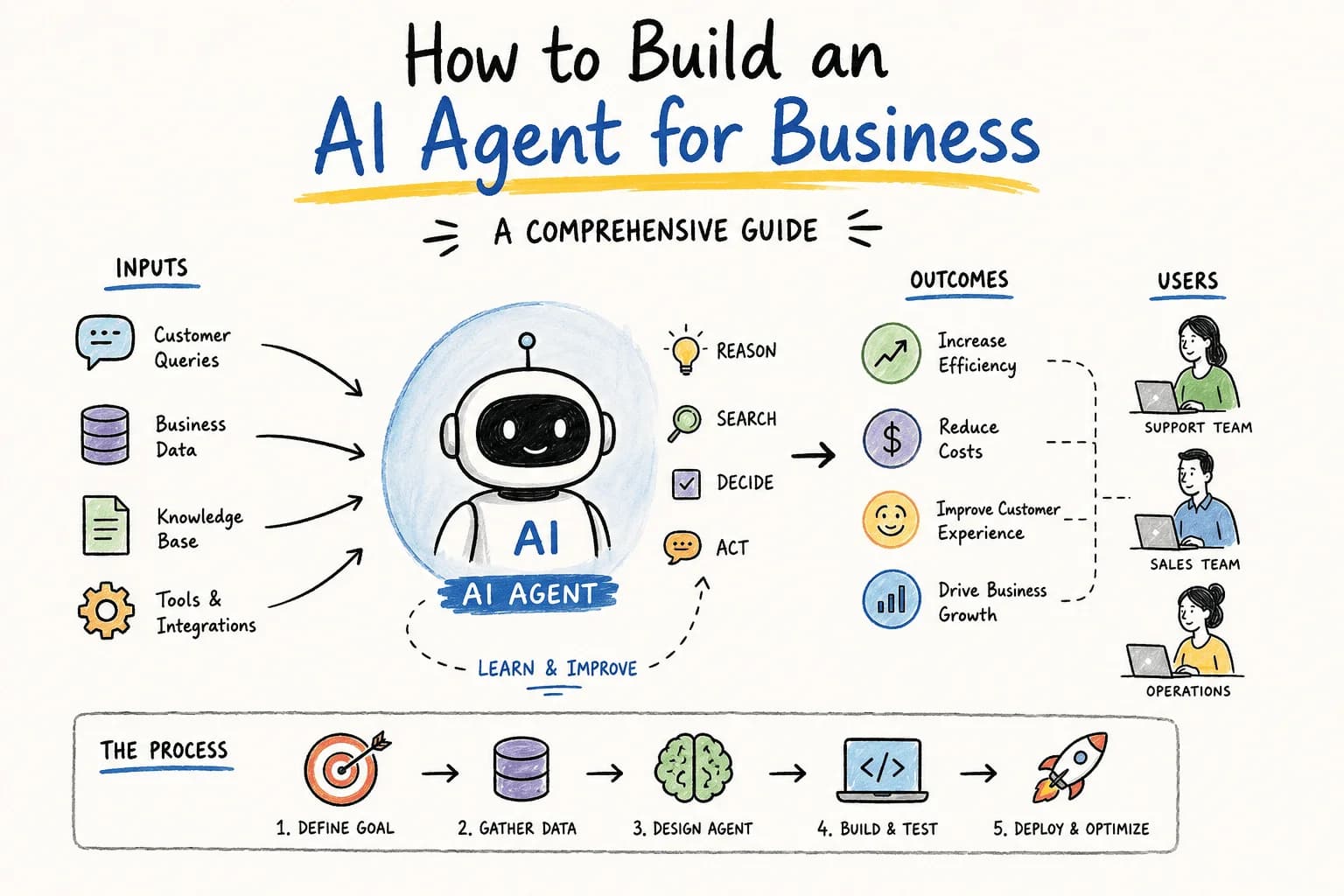
How Do I Build an AI Agent for My Business?
Wondering how to build an AI agent for your business? This guide walks you through essential steps, tools, and considerations to create an effective AI solution.
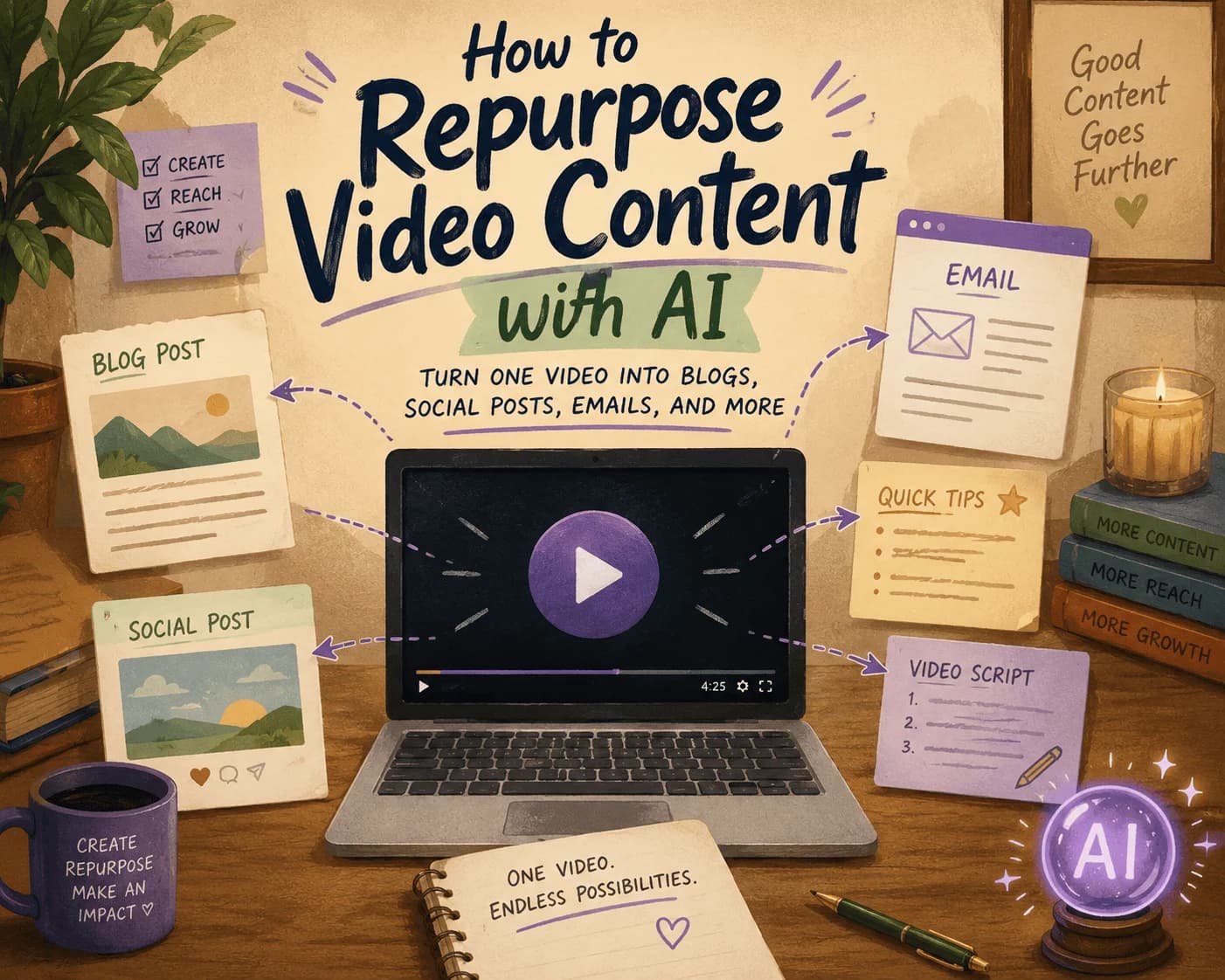
How to Repurpose Video Content with AI: Turn One Video into Blogs, Social Posts, Emails, and More
Discover how to efficiently repurpose your video content into various formats using AI, maximizing your reach across platforms.
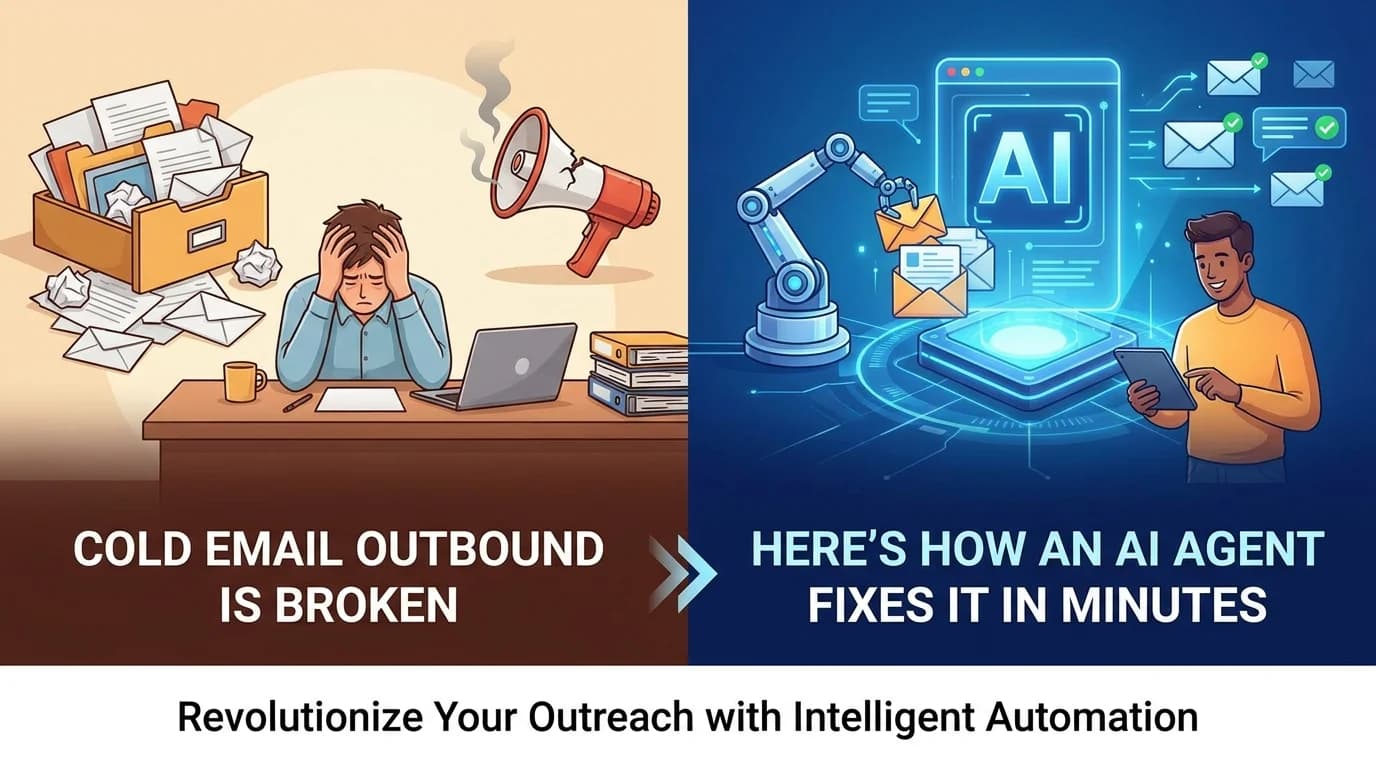
AI GTM Outreach: How Modern Teams Personalize Sales at Scale Without Hiring More SDRs
Learn how AI GTM outreach is changing outbound sales by automating prospect research, personalized email creation, and campaign execution. Discover best practices, common pitfalls, and how AI agents can dramatically increase outbound efficiency.
The Complete SEO Audit Guide for 2026: How to Find and Fix Website SEO Issues Faster with AI
Learn how to conduct a comprehensive SEO audit in 2026 using AI tools to identify and fix website SEO issues efficiently.
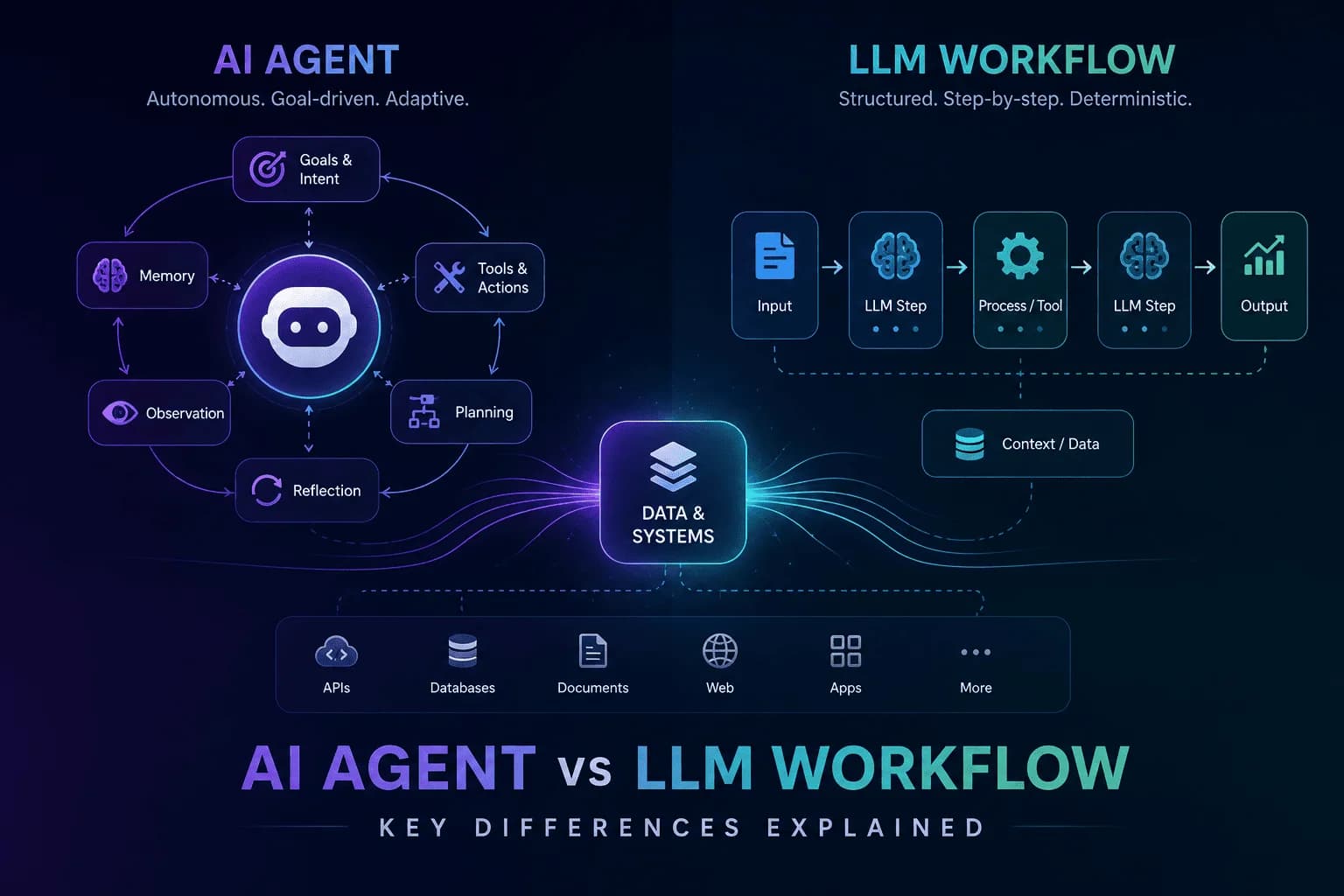
AI Agent vs LLM Workflow: Understanding the Key Differences
Unravel the distinctions between AI agents and LLM workflows to enhance your automation strategy. Discover their functionalities and applications.
Stay ahead in AI
Get updates on agents, MCP, and production AI workflows.
Comments coming soon.