
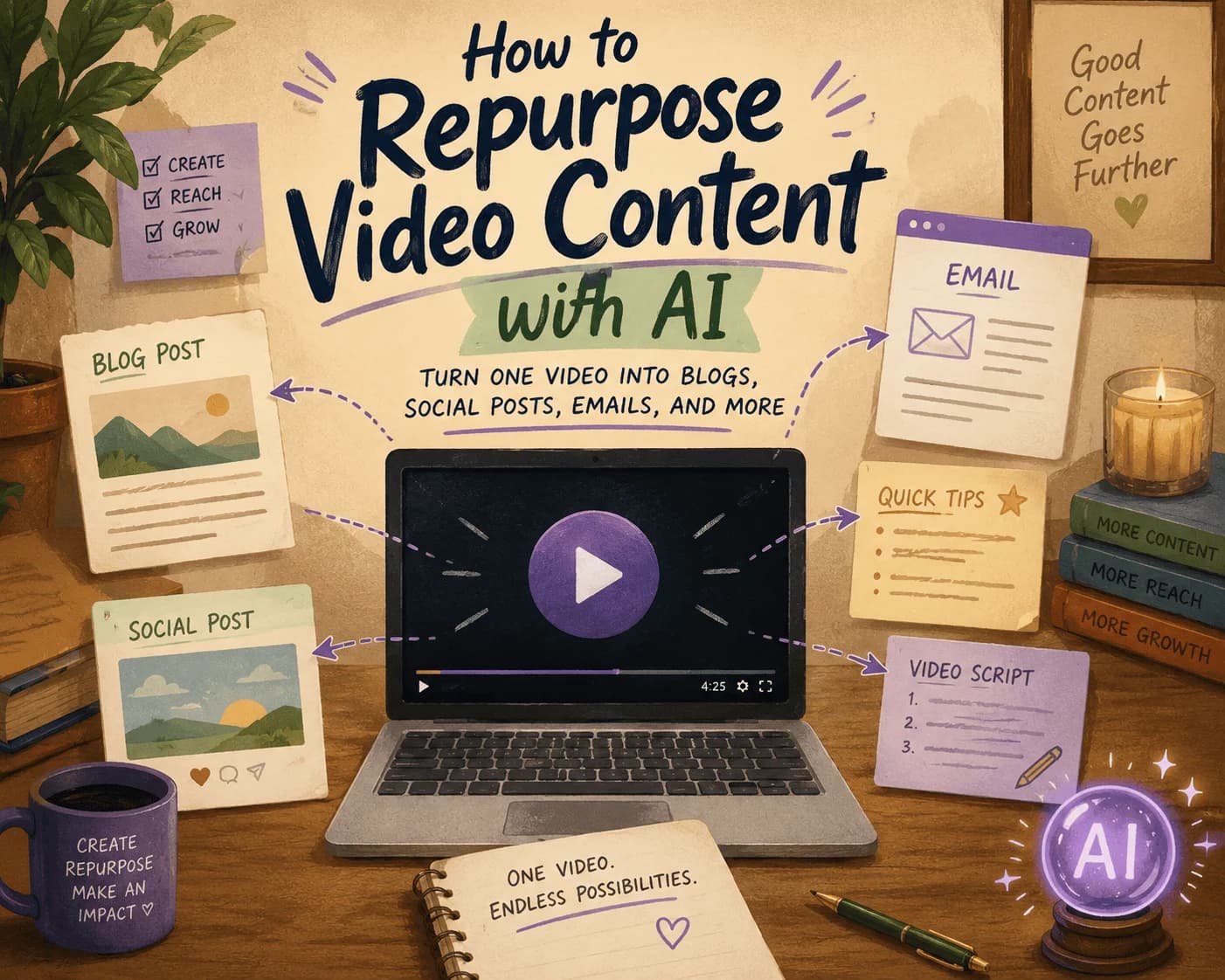
How to Repurpose Video Content with AI: Turn One Video into Blogs, Social Posts, Emails, and More
You Filmed One Video. Here's How to Turn It Into Two Weeks of Content.
You just wrapped a solid video — maybe a product walkthrough, maybe a talking-head explainer on something you actually know well. It took hours to plan, shoot, and edit. Then the question shows up: what now? Post it once and move on, or squeeze more out of it?
Most marketers know the answer intellectually — repurpose the video — but the actual work of turning one recording into a blog post, five social clips, an email, and a handful of graphics is where things stall. It's not that repurposing doesn't work. It's that doing it by hand for every video is a part-time job nobody signed up for.
This guide walks through the repurposing formats that actually move the needle, plus where AI can take over the grunt work so you're not stuck doing the same production cycle every single week.
Why Bother Repurposing Video Content at All
A video is really several pieces of content wearing one outfit. The audio is a podcast episode waiting to happen. The transcript is a blog post in rough draft form. The best 20 seconds is a Reel. The one line where you said something quotable is a LinkedIn graphic.
Repurposing isn't about laziness — it's about matching your message to how different people actually consume content. Some of your audience will never watch a 20-minute video but will happily read a 4-minute blog post covering the same ground. Others scroll past long-form content entirely but will stop for a 15-second clip. Feeding the same insight through multiple formats also means more chances for search engines and social algorithms to surface it, which compounds your reach without compounding your workload.
Turning Your Video Into a Blog Post
This is usually the highest-leverage move, since a well-structured blog post keeps working for you in search long after the video's social media moment has passed.
The process:1. Get a clean transcript. Any decent transcription tool will do this in minutes rather than the hour it'd take to type it out yourself.
2. Edit for the page, not the ear. Spoken language rambles in ways that read badly. Cut filler words, break the transcript into sections, and add subheadings that reflect how someone would search for this topic — not just how you happened to phrase it out loud.
3. Write for search intent. If the video covers email marketing strategy, work in phrasing people actually type into Google — "email marketing tips for small business," not just "marketing strategies." This is where a raw transcript and a genuinely optimized blog post diverge.
Example: A video titled "Effective Email Marketing Strategies" becomes a post that opens with a short summary of what the video covers, then expands each point with the kind of detail that didn't fit into a 12-minute video — data, examples, maybe a short case study.Cutting Video Into Social Media Content
Social platforms reward frequency, and one video can realistically feed a week or two of posts if you're willing to slice it up.
- Short clips. Pull the 15–30 seconds where you made your sharpest point. That's your Reel, your Short, your TikTok.
- Quote graphics. If you said something quietly bold — a stat, an opinion, a one-liner — turn it into a simple graphic for LinkedIn or X.
- Threads. Long-form video maps surprisingly well onto a Twitter/X thread: each subtopic becomes a tweet, and the video becomes the "watch the full breakdown" link at the end.
Getting More Mileage From Video in Email
Your email list is people who've already opted in to hear from you, so don't waste a good video by only mentioning it once.
- Pull two or three concrete takeaways from the transcript rather than a vague "check out our new video."
- Lead with the takeaway, not the video — people open emails for value, not for homework.
- Add a still frame or thumbnail so the email doesn't feel like a wall of text, and link clearly to the full video for anyone who wants more.
Turning Long-Form Video Into Short-Form Content
Attention spans on social platforms keep shrinking, and a single long video is usually sitting on several short ones already.
1. Find the 3–5 moments that actually land — the parts where you'd stop scrolling if you saw them in someone else's feed.
2. Summarize the rest in writing for people who want the gist without watching anything.
3. Turn any data or stats into a simple infographic — numbers travel further as visuals than as spoken asides.
Example: A 30-minute deep dive on blockchain technology can split into three or four short clips — one on real-world applications, one on the tradeoffs, one on where it's headed — each doing better individually than the full video would on its own.Where This Gets Easier With AI
None of the above is complicated in theory. It's tedious in practice, especially if you're producing more than one video a month. This is where an AI-driven video repurposing workflow earns its keep: feed it a YouTube link or an uploaded file, and it hands back a draft blog post, a set of platform-specific social posts, and a short-form script — all pulled from what you actually said, not generic filler.
Supahmation's Video Content Repurpose agent works this way: it takes your video, generates an SEO-structured blog post, drafts LinkedIn and X-native posts, and writes captions built for Instagram and Facebook — so your job shifts from writing everything from scratch to reviewing and polishing what's already 80% there.
The Real Payoff
Repurposing video content isn't a growth hack — it's just not wasting the work you already put into filming. Every video you make is raw material for a blog post, a handful of social posts, an email, and a short clip or two. The teams that consistently do this well aren't necessarily more creative; they've just made repurposing part of the process instead of an afterthought.
If manually rewriting, clipping, and reformatting is the bottleneck, that's exactly the kind of repetitive work worth automating — so you can spend your time on the next video instead of recycling the last one by hand.
Related articles
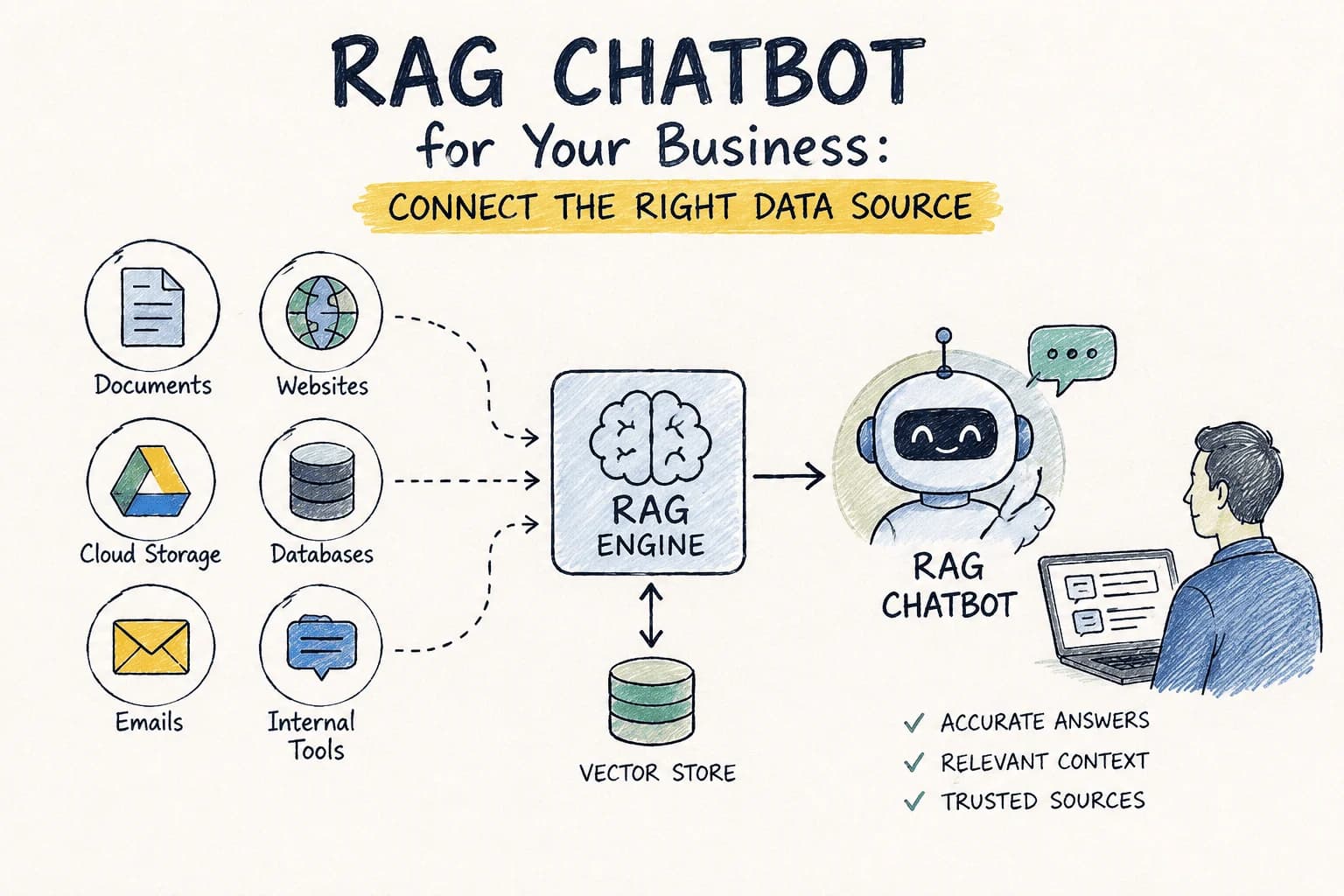
RAG Chatbot for Your Business: Which Data Source Should You Connect First?
Choosing the right data source for your RAG chatbot can be challenging. This guide compares options to help you decide which to connect first.
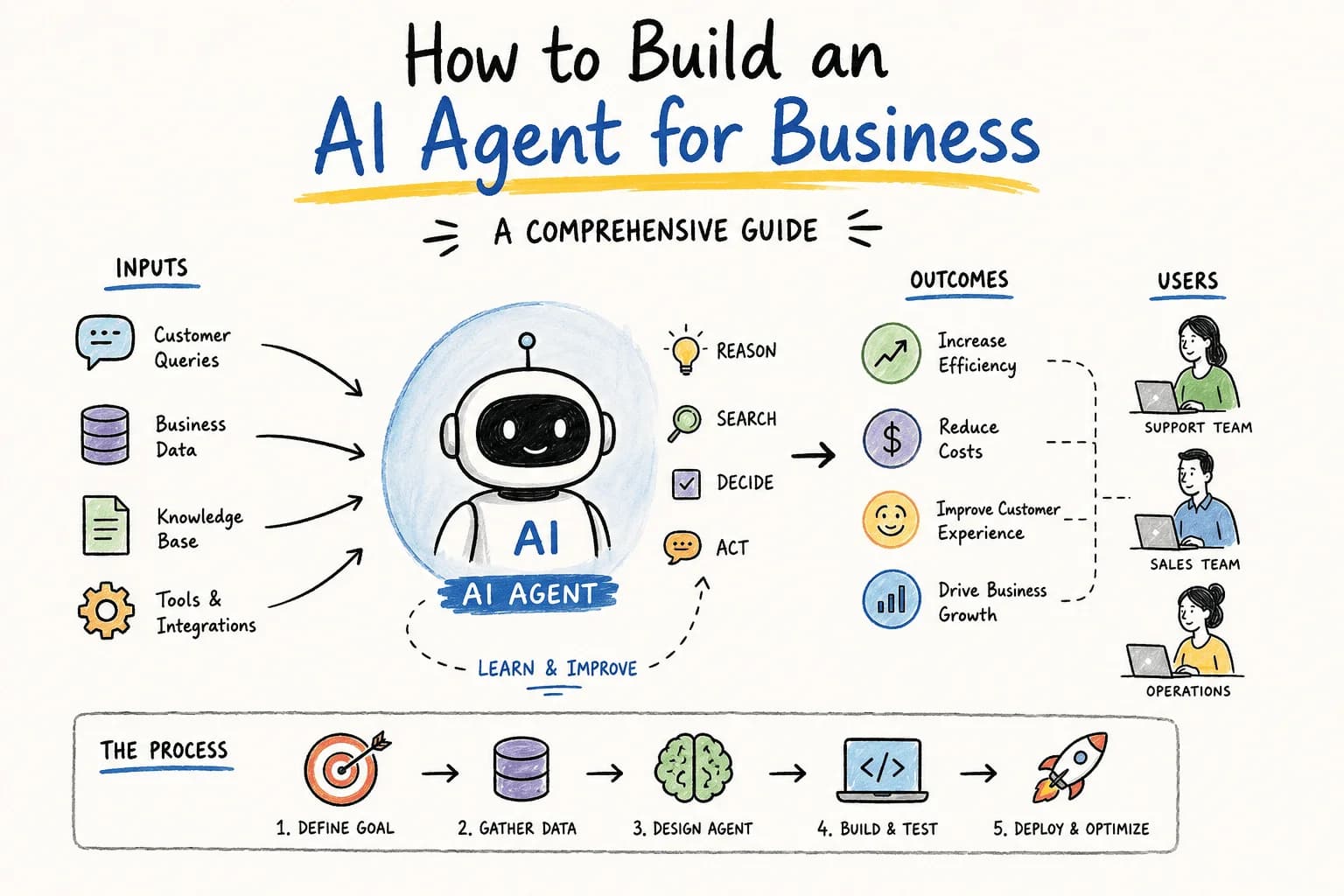
How Do I Build an AI Agent for My Business?
Wondering how to build an AI agent for your business? This guide walks you through essential steps, tools, and considerations to create an effective AI solution.
AI GTM Outreach: How Modern Teams Personalize Sales at Scale Without Hiring More SDRs
Learn how AI GTM outreach is changing outbound sales by automating prospect research, personalized email creation, and campaign execution. Discover best practices, common pitfalls, and how AI agents can dramatically increase outbound efficiency.

The Complete SEO Audit Guide for 2026: How to Find and Fix Website SEO Issues Faster with AI
Learn how to conduct a comprehensive SEO audit in 2026 using AI tools to identify and fix website SEO issues efficiently.
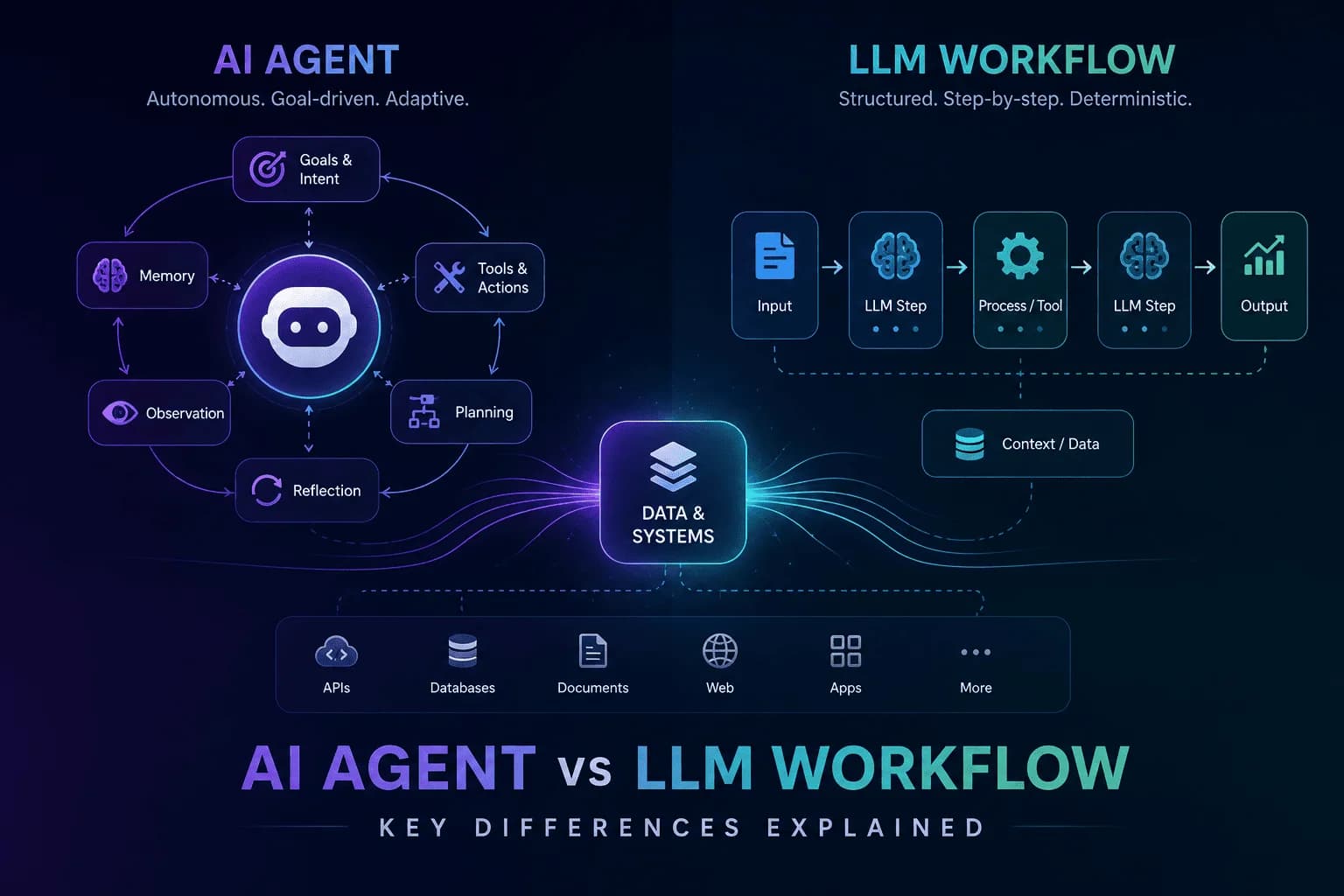
AI Agent vs LLM Workflow: Understanding the Key Differences
Unravel the distinctions between AI agents and LLM workflows to enhance your automation strategy. Discover their functionalities and applications.
Stay ahead in AI
Get updates on agents, MCP, and production AI workflows.
Comments coming soon.