
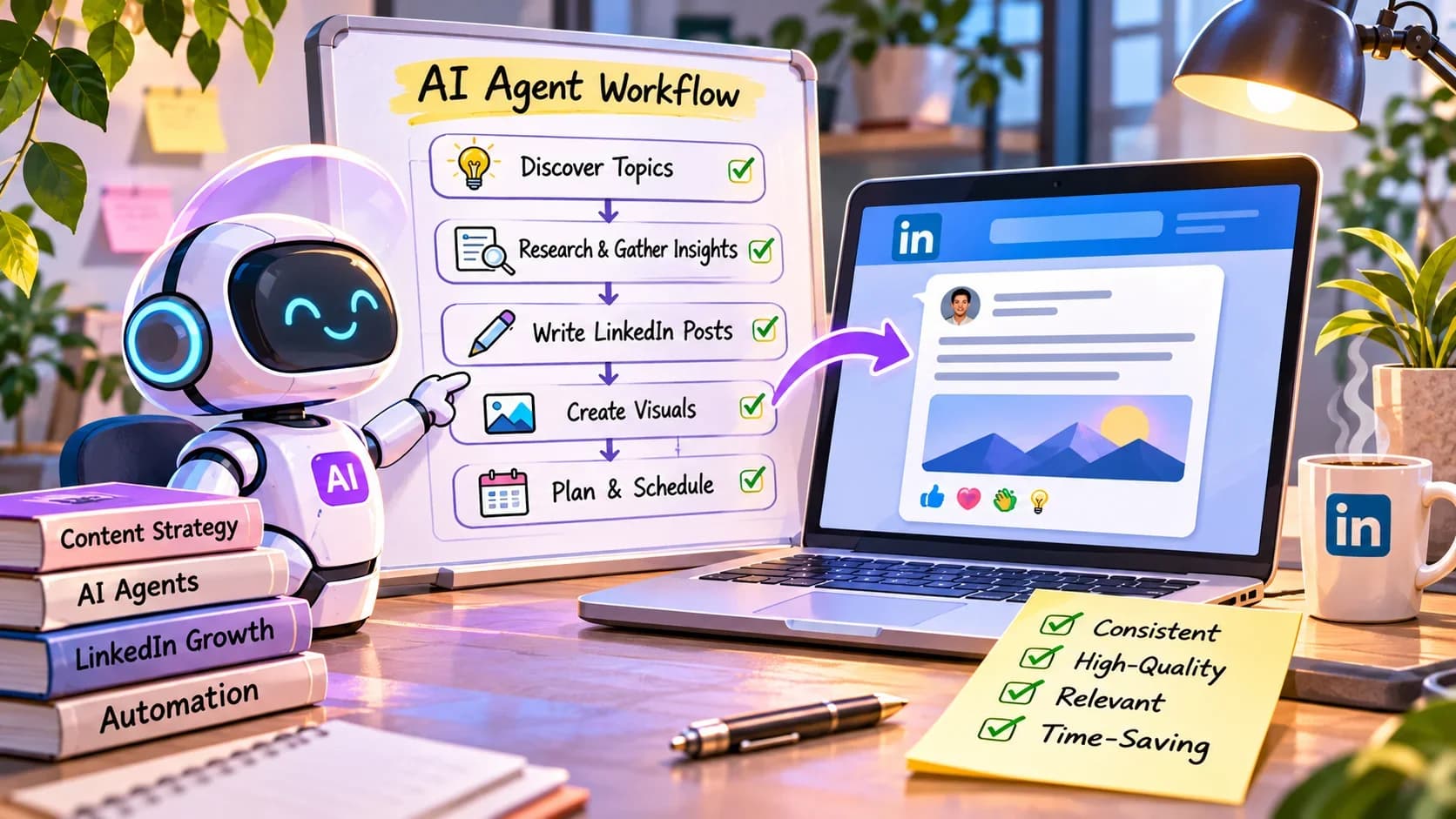
How to Automate LinkedIn Content Creation Using AI Agents
The Challenge of Consistent LinkedIn Engagement
Creating engaging LinkedIn content consistently is a challenge for many professionals and businesses. With LinkedIn projected to drive 80% of all B2B leads from social media by 2026, your content strategy must be effective and impactful. However, generating thoughtful, relevant posts can be time-consuming, especially for professionals who are already stretched thin.
This is where an AI LinkedIn post generator comes into play. By using AI agents, you can automate content creation and optimize your posting strategy without sacrificing quality or authenticity.
Why Automate LinkedIn Content Creation?
Automating content creation addresses a few key pain points:
1. Time Management: You can save hours that would otherwise be spent brainstorming and drafting posts.
2. Consistency: Regular posting is crucial for engagement. Automation ensures your audience receives content consistently.
3. Data-Driven Insights: Many AI tools analyze successful content patterns, helping you create posts that resonate with your audience ViralBrain.
With these in mind, let’s dive into how to harness an AI agent, specifically the LinkedIn Post Publisher, to streamline your LinkedIn content creation process.
Step 1: Setting Up Your AI LinkedIn Post Generator
Before diving into content creation, you need to choose and set up an AI agent. The LinkedIn Post Publisher can help you generate posts, schedule them, and automate content preparation. Here’s how to get started:
1. Sign Up for Supahmation: If you haven’t already, create an account on the Supahmation platform.
2. Access the Agent Catalog: Navigate to the agent catalog and find the LinkedIn Post Publisher. This agent is designed for generating LinkedIn content, among other capabilities.
3. Configure Your Agent: Input your preferences. You can specify topics, tone of voice, and target audience to personalize the types of posts generated.
Step 2: Generate Content Ideas
With the agent configured, it’s time to brainstorm content ideas. Here’s how:
1. Input a Prompt: Use clear prompts to guide the AI. For instance, you could input: “Generate five post ideas related to leadership in tech.”
2. Refine Content: The AI will provide post suggestions. Assess the output and refine any posts that don’t resonate with your brand’s voice. You can modify the content directly or ask the AI for changes.
3. Select Engaging Formats: Explore different formats such as questions, tips, or anecdotes to diversify your content.
Step 3: Review and Edit the Generated Posts
AI-generated content can serve as a foundation, but it often requires personal touches to ensure authenticity. Here’s how to make your posts shine:
1. Review for Alignment: Check if the tone and message align with your brand values. Ensure the content is relevant to your audience.
2. Add Personal Insights: Incorporate your thoughts or experiences to enhance engagement. This is essential for maintaining authenticity in B2B content automation.
3. Proofread: While AI tools can generate quality content, reviewing for grammar or style errors is crucial. Don’t overlook this step.
Step 4: Schedule Your Posts
To maintain a consistent presence, you should schedule your posts. The LinkedIn Post Publisher makes this easy:
1. Choose Posting Times: Analyze previous engagement metrics (if available) or use best practices to select optimal posting times.
2. Set a Schedule: Use the AI’s scheduling features to automate post publishing. You can set daily, weekly, or monthly schedules based on your content strategy.
3. Monitor Engagement: The automation doesn’t stop at posting. Track engagement metrics to refine future content types and posting times.
Step 5: Evaluate Performance and Iterate
Once your posts are live, it’s time to analyze how they perform:
1. Use LinkedIn Analytics: Monitor likes, comments, shares, and click-through rates. This data is invaluable for understanding your audience’s preferences.
2. Refine Content Based on Feedback: Use insights from performance metrics to guide your future posts. Keep testing different styles and formats.
3. Adjust Scheduling Strategy: If you notice engagement varies by time or frequency, tweak your strategy accordingly.
Common Pitfalls to Avoid
Even with a solid strategy, pitfalls can occur:
- Over-Reliance on AI: While AI can generate content, it shouldn't replace your personal insights completely. Stay engaged with your audience.
- Ignoring Platform Changes: Stay updated on LinkedIn algorithm changes and trends. Adjust your strategy accordingly, even if it means changing your posting frequency.
- Neglecting Engagement: Posting without engaging with comments and messages can diminish your impact. Ensure you’re present on the platform.
Automating LinkedIn content creation using AI agents like the LinkedIn Post Publisher can save you time, ensure consistency, and enhance your marketing strategy. By generating, scheduling, and refining posts, you can overcome common challenges associated with content creation. The goal is to enhance your presence on LinkedIn, engage your audience, and contribute meaningfully to industry conversations.
Automation, when done right, can empower you to focus on strategic initiatives while keeping your LinkedIn profile active and engaging. So why not start experimenting with an AI LinkedIn post generator today? ViralBrain ToneMark PostPen
Related articles

How to Repurpose Video Content with AI: Turn One Video into Blogs, Social Posts, Emails, and More
Discover how to efficiently repurpose your video content into various formats using AI, maximizing your reach across platforms.
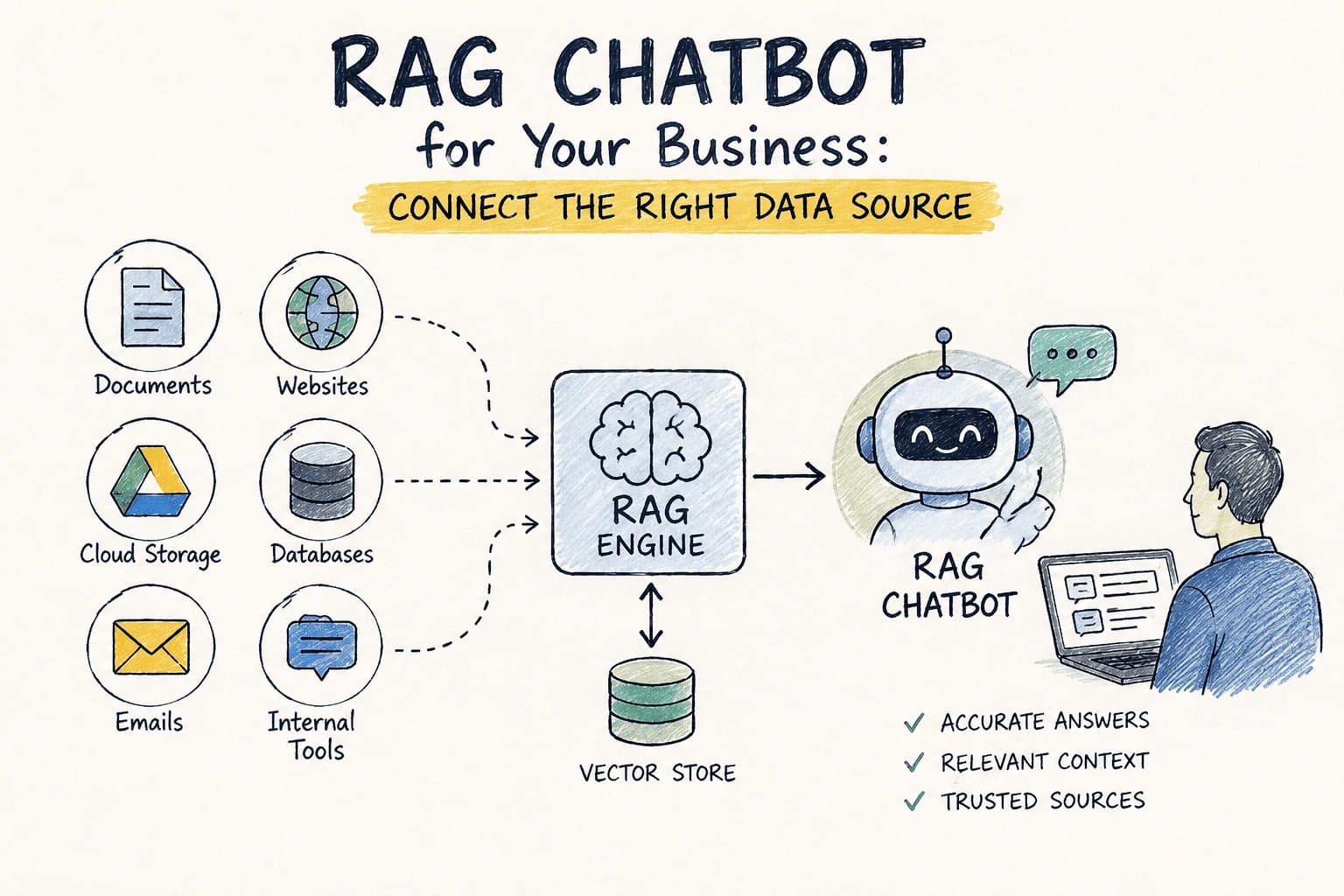
RAG Chatbot for Your Business: Which Data Source Should You Connect First?
Choosing the right data source for your RAG chatbot can be challenging. This guide compares options to help you decide which to connect first.

How to Integrate AI Agents Into Your SaaS Application in 2026
Learn how to seamlessly integrate AI agents into your SaaS application in 2026, enhancing functionality and user experience.

AI GTM Outreach: How Modern Teams Personalize Sales at Scale Without Hiring More SDRs
Learn how AI GTM outreach is changing outbound sales by automating prospect research, personalized email creation, and campaign execution. Discover best practices, common pitfalls, and how AI agents can dramatically increase outbound efficiency.
The Complete SEO Audit Guide for 2026: How to Find and Fix Website SEO Issues Faster with AI
Learn how to conduct a comprehensive SEO audit in 2026 using AI tools to identify and fix website SEO issues efficiently.
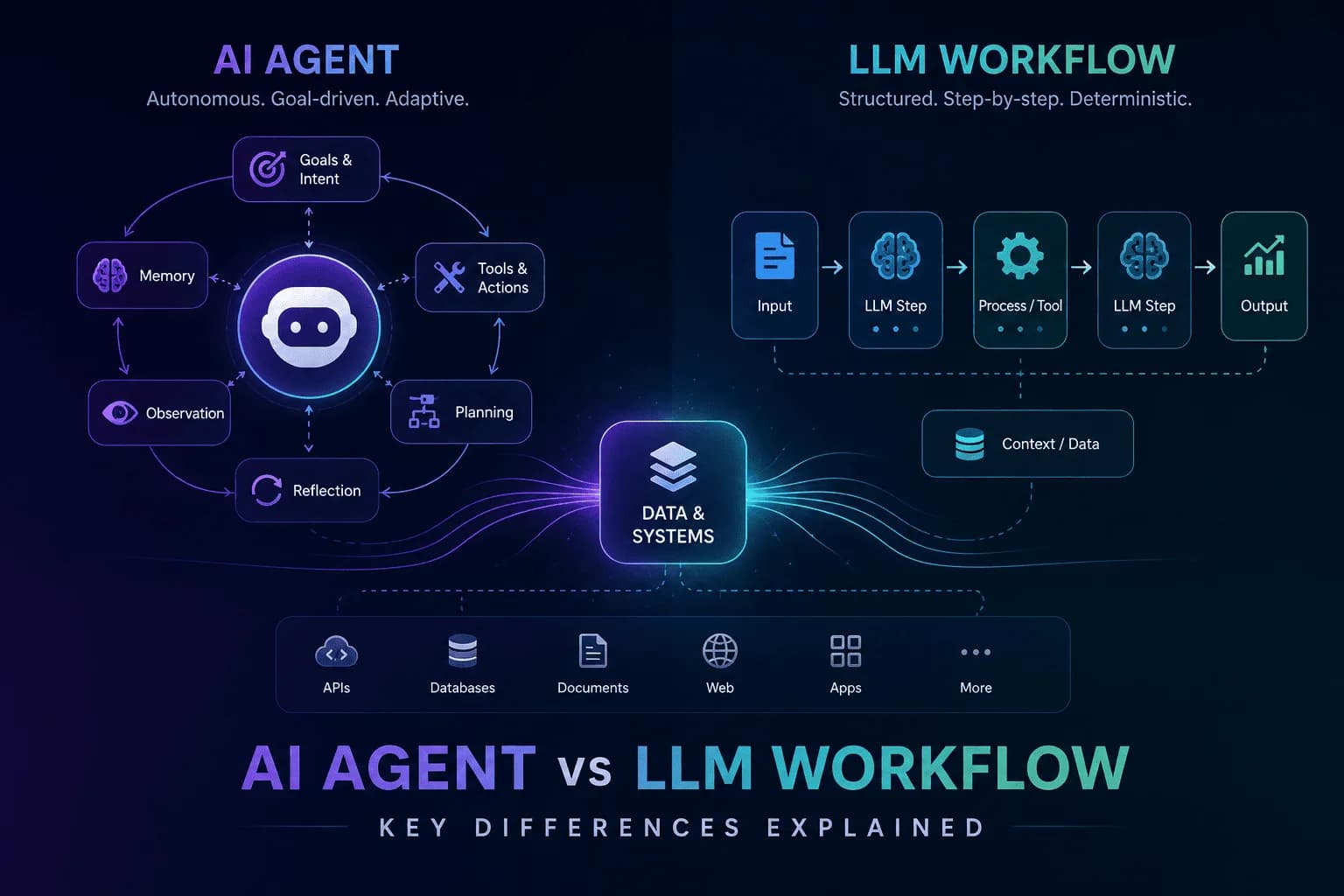
AI Agent vs LLM Workflow: Understanding the Key Differences
Unravel the distinctions between AI agents and LLM workflows to enhance your automation strategy. Discover their functionalities and applications.
Stay ahead in AI
Get updates on agents, MCP, and production AI workflows.
Comments coming soon.