
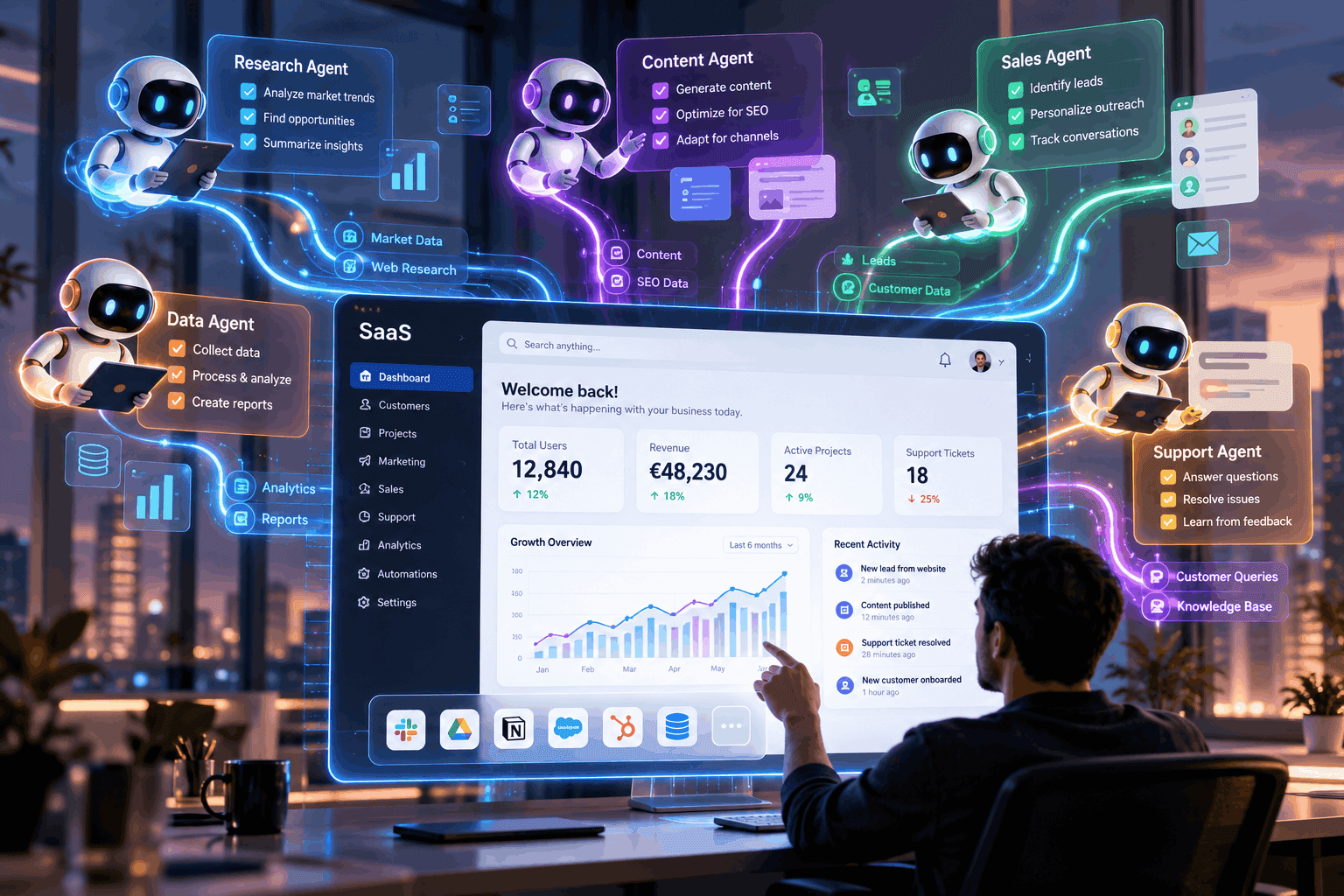
How to Integrate AI Agents Into Your SaaS Application in 2026
In 2026, the landscape of Software as a Service (SaaS) is evolving rapidly, and it's no longer sufficient to offer just basic functionalities. Customers are demanding more personalized experiences, real-time support, and automation. Yet, for many developers and technical founders, the challenge lies in figuring out how to effectively integrate AI agents into their SaaS applications without disrupting existing workflows or overwhelming their users. The lack of clear guidelines can lead to costly mistakes, wasted resources, and ultimately, lost customers.
Understanding AI Agent API Integration
Integrating AI agents into your SaaS application can significantly enhance user engagement and operational efficiency. This post will guide you through the essential steps to achieve seamless AI agent API integration. We will cover the prerequisites for integration, the steps involved, common pitfalls to avoid, and how to ensure that your AI agents are production-ready. By the end of this guide, you’ll have a clear roadmap to follow.
Step 1: Define Your Use Cases
Before diving into the technical aspects, it’s crucial to define the specific use cases for your AI agents. Consider the following:
1. Customer Support: Automate responses to frequently asked questions.
2. Personalization: Use AI to tailor user experiences based on behavior.
3. Data Analysis: Implement agents that can analyze user data and provide actionable insights.
Example Scenario
Imagine you run a SaaS platform for project management. An AI agent could analyze project timelines and suggest adjustments based on historical data, providing users with real-time recommendations. By clearly outlining the functionality you want, you'll set the stage for effective API integration.
Step 2: Choose the Right AI Agent API
Once you’ve identified your use cases, it's time to select the right AI agent API. Look for the following features:
- Ease of Integration: The API should have comprehensive documentation and SDKs for your tech stack.
- Scalability: Ensure it can handle your user load as you grow.
- Support for Core Capabilities: Verify that the API offers functionalities that align with your defined use cases, such as natural language processing for customer support agents.
Step 3: Set Up Your AI Agent Infrastructure
Setting up the necessary infrastructure is pivotal for successful integration. Here are the steps to consider:
1. Choose a Cloud Provider: Select a reliable cloud service that supports AI workloads (AWS, Google Cloud, Azure).
2. Establish Data Pipelines: Create secure channels to feed data to your AI agents without compromising user privacy.
3. Implement Security Measures: Ensure that your API integration adheres to security best practices to protect user data.
Common Pitfalls
- Skipping the security audit can lead to vulnerabilities.
- Not considering latency issues might result in slow response times, affecting user experience.
Step 4: Develop and Test Your AI Agents
With your infrastructure in place, it's time to develop your AI agents. Here’s a simplified approach:
1. Prototype: Start with a basic version of your AI agent using the API. Focus on core functionalities.
2. Iterate: Gather feedback from a small group of users, refining the agent's capabilities based on their interactions.
3. Extensive Testing: Conduct both unit and integration tests to ensure the agent works as intended under various scenarios.
Testing Example
When developing a customer support AI agent, simulate diverse inquiries to see how well the agent responds. Adjust the training data based on user feedback to enhance accuracy.
Step 5: Deploy and Monitor Performance
Once you have tested your AI agents thoroughly, it’s time to deploy them. Keep these points in mind:
- Gradual Rollout: Start with a small user segment before a full launch to spot issues early.
- Monitor Performance: Utilize analytics tools to track the agent's performance and user satisfaction. Pay attention to metrics like response time, accuracy, and user engagement.
Optimization Tips
- Regularly update your AI models with fresh data to keep them relevant.
- Implement user feedback loops to continuously improve the agent's performance.
Where the Featured Agent Fits
To ease the integration process, consider utilizing the featured agent, which specializes in advanced natural language understanding and data analysis. This agent can help you quickly automate customer support inquiries and provide personalized recommendations based on user behavior. By leveraging its capabilities, you can efficiently streamline your SaaS application’s functionalities, providing a better user experience. The featured agent's infrastructure is designed for seamless AI agent API integration, making it a practical choice for your needs.
Conclusion
Integrating AI agents into your SaaS application in 2026 is not just a competitive advantage; it's becoming a necessity. By following the steps outlined in this guide, you’ll be equipped to build robust AI solutions that enhance user experiences while optimizing operational efficiency. As you embark on this journey, consider exploring tools like the featured agent to help pave the way toward successful integration. Take the next step in transforming your SaaS application and provide users with the intelligent experience they expect.
Related articles
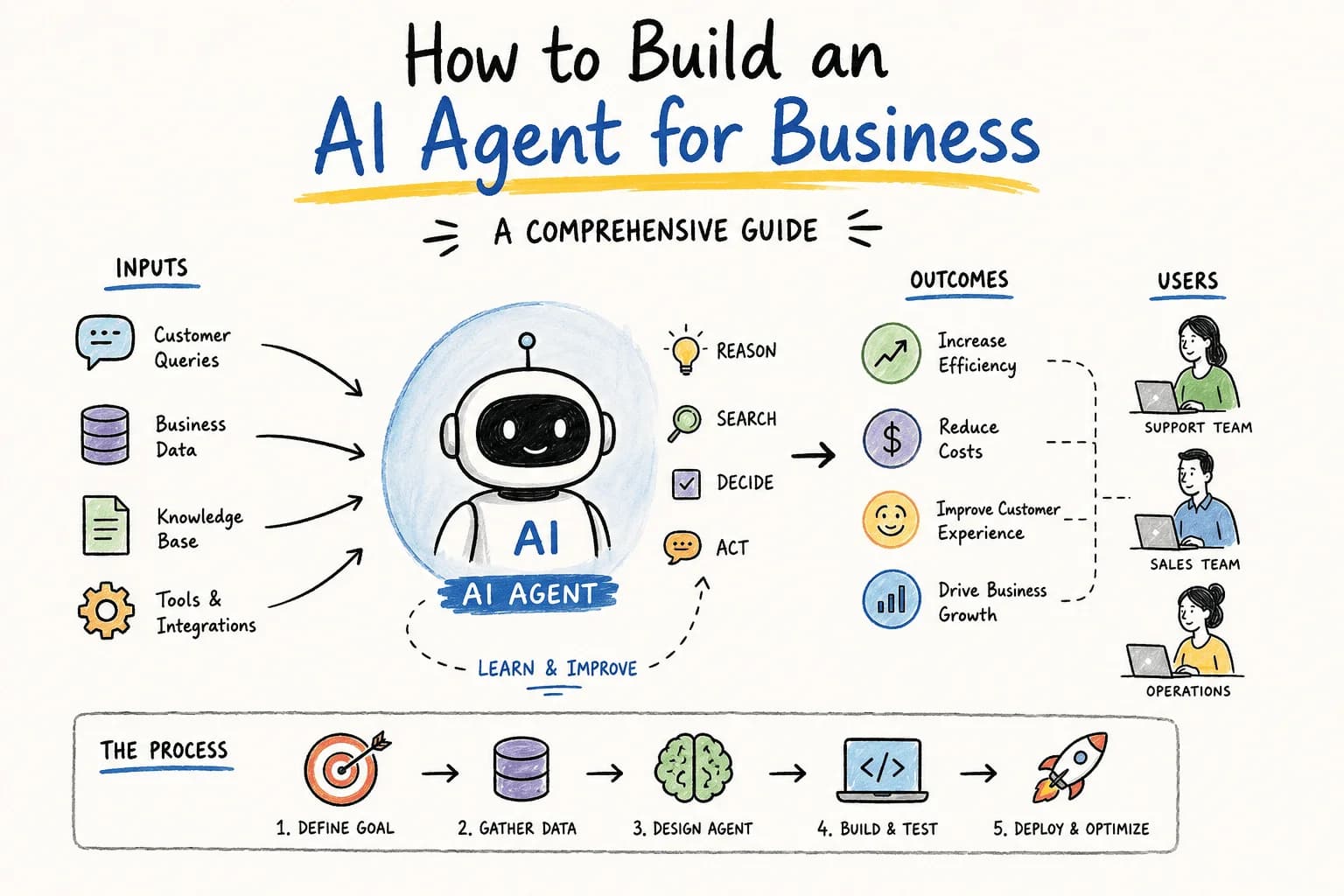
How Do I Build an AI Agent for My Business?
Wondering how to build an AI agent for your business? This guide walks you through essential steps, tools, and considerations to create an effective AI solution.
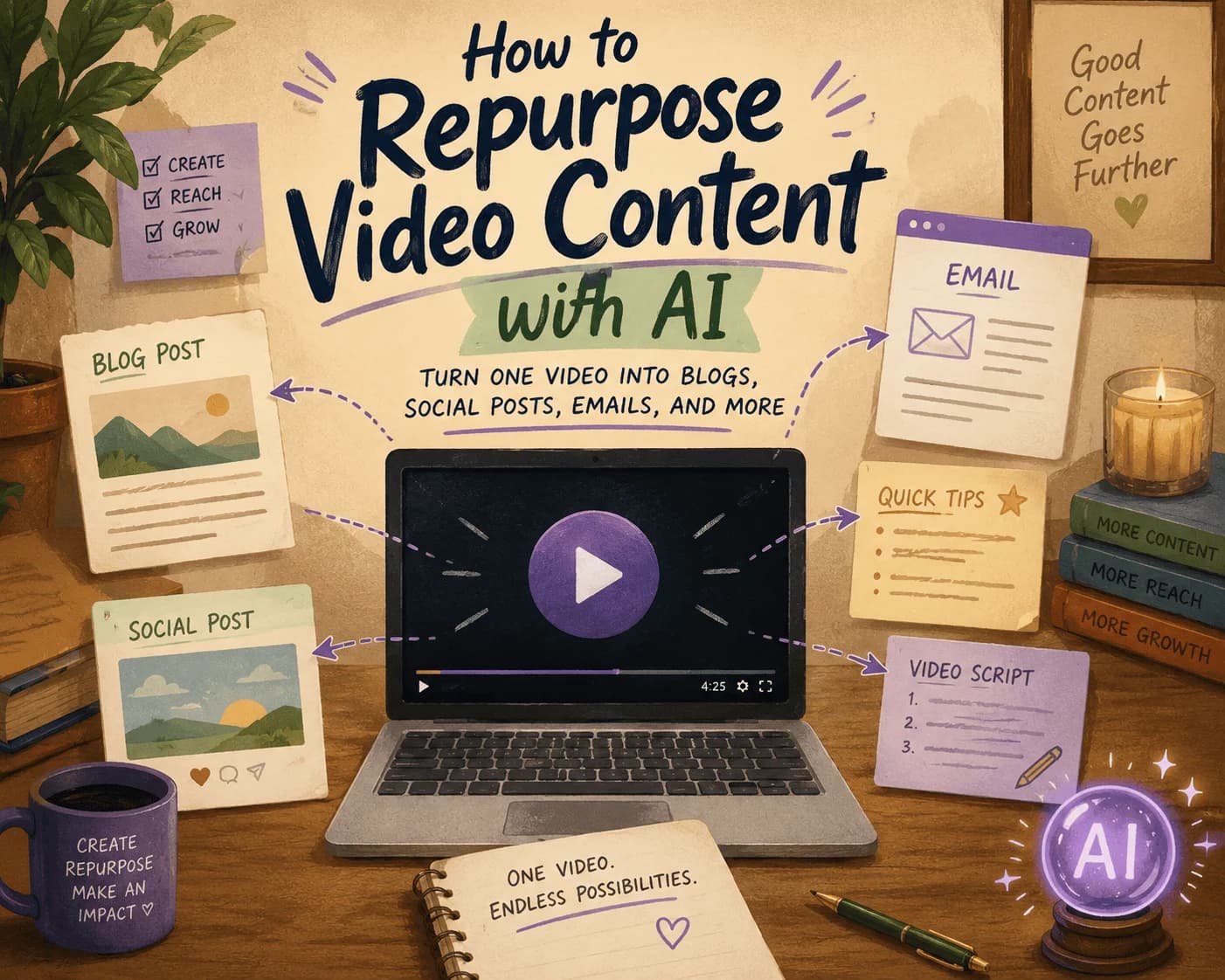
How to Repurpose Video Content with AI: Turn One Video into Blogs, Social Posts, Emails, and More
Discover how to efficiently repurpose your video content into various formats using AI, maximizing your reach across platforms.
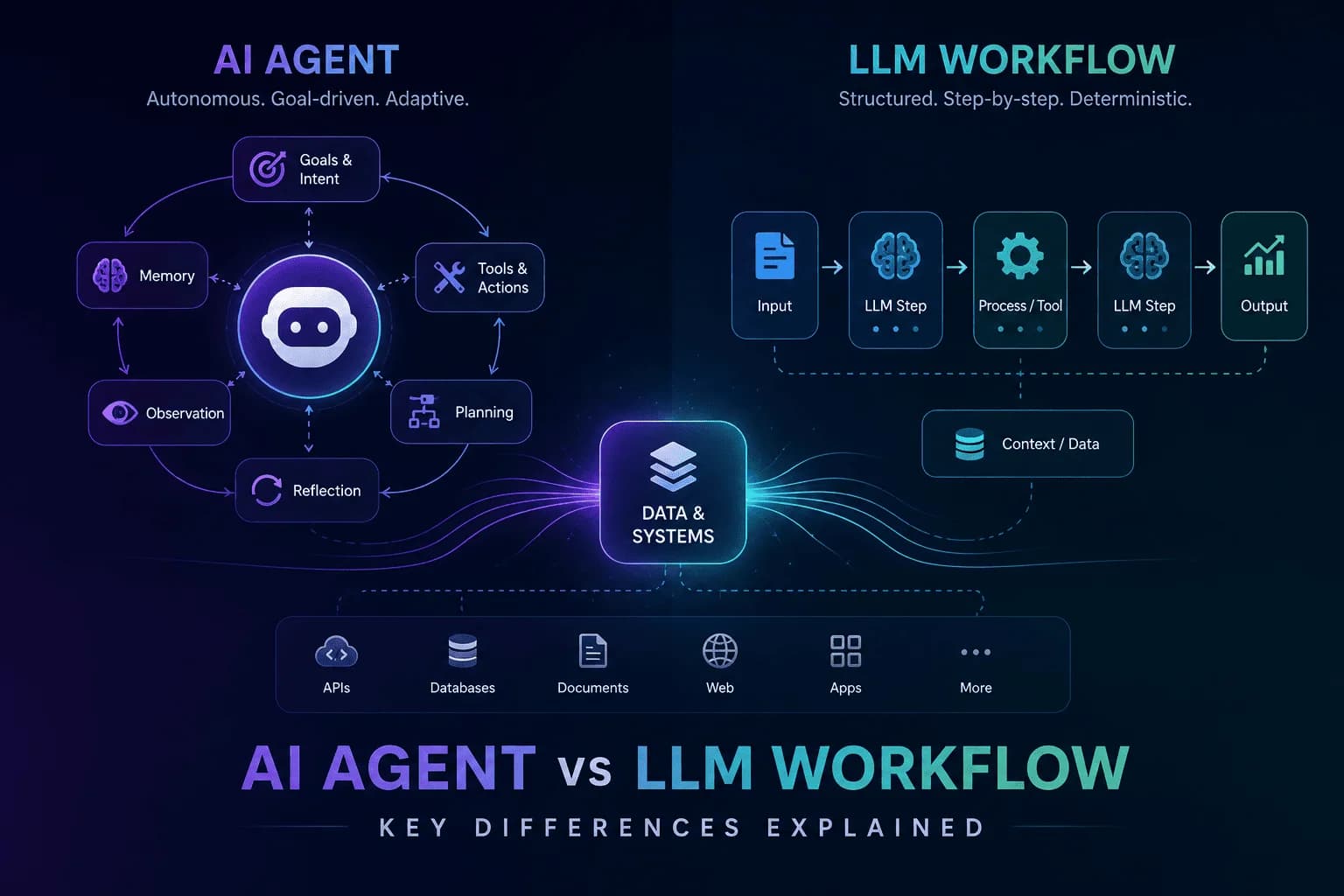
AI Agent vs LLM Workflow: Understanding the Key Differences
Unravel the distinctions between AI agents and LLM workflows to enhance your automation strategy. Discover their functionalities and applications.
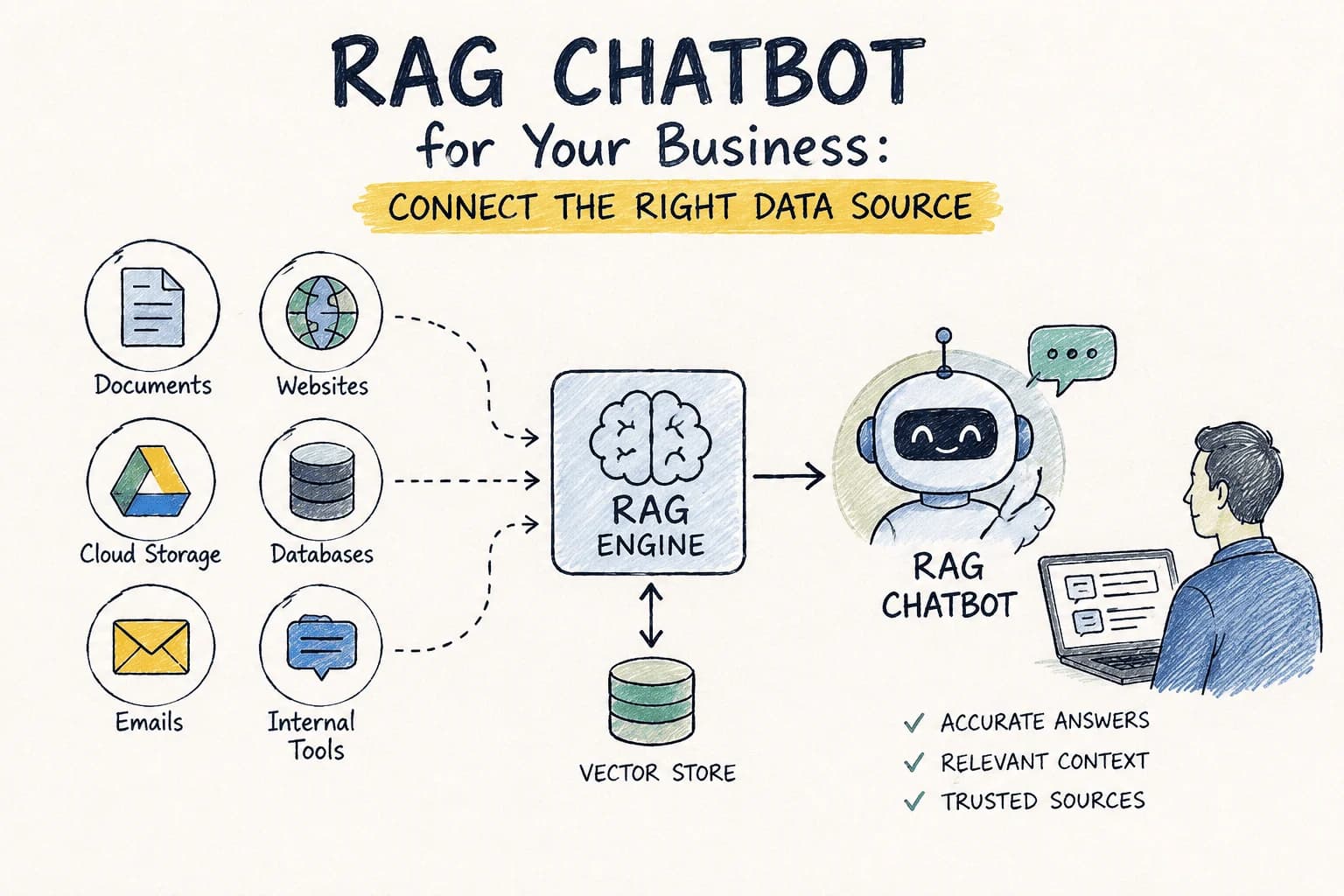
RAG Chatbot for Your Business: Which Data Source Should You Connect First?
Choosing the right data source for your RAG chatbot can be challenging. This guide compares options to help you decide which to connect first.

AI GTM Outreach: How Modern Teams Personalize Sales at Scale Without Hiring More SDRs
Learn how AI GTM outreach is changing outbound sales by automating prospect research, personalized email creation, and campaign execution. Discover best practices, common pitfalls, and how AI agents can dramatically increase outbound efficiency.
The Complete SEO Audit Guide for 2026: How to Find and Fix Website SEO Issues Faster with AI
Learn how to conduct a comprehensive SEO audit in 2026 using AI tools to identify and fix website SEO issues efficiently.
Stay ahead in AI
Get updates on agents, MCP, and production AI workflows.
Comments coming soon.