

How to Repurpose Podcast Content for Maximum Engagement
The Problem with Podcast Content
As someone who works with podcasts, I've noticed a recurring challenge: the vast amount of content generated in a single episode often remains underutilized. It’s not uncommon for a podcast episode to be insightful, engaging, and informative, yet it goes largely unnoticed beyond its initial airing. This represents a missed opportunity for reaching broader audiences who may prefer different content formats, like reading or social media interactions. Repurposing podcast content allows creators to maximize their reach without losing the essence of the original source, efficiently engaging a wider audience.
Why does this matter? According to The Podcast Host, about 50% of homes have at least one podcast fan, which implies a significant audience waiting to engage with your content. But how can we ensure these potential listeners engage multiple times with the material? The answer lies in podcast content repurposing.
Understanding Podcast Content Repurposing
At its core, podcast content repurposing entails transforming an audio episode into various formats, like blog posts, social media snippets, infographics, and more. The goal is not just to create additional content but to engage audiences who consume media differently. By integrating this approach, creators can also enjoy SEO benefits from keyword-rich blog posts and improve backlink profiles, as highlighted by Ditto Transcripts.
For those interested in automating aspects of this process, tools like the AI Podcast Episode Repurpose Agent can help streamline workflows. This agent can process podcast episodes, work with podcast RSS feeds, transcribe audio, generate blog content, and create social media content from episodes. Let’s dig into the steps of effective podcast content repurposing.
Steps to Repurpose Podcast Episodes
Step 1: Select an Episode
1. Identify high-performing episodes: Start with episodes that received a good response or accessed analytics to find content that resonated well with your audience.
2. Consider evergreen content: Look for episodes that will remain relevant over time, this reduces the pressure of needing constant new content.
Step 2: Automate Transcription
Using a service like the AI Audio Transcription Agent can save hours. Automating the transcription process significantly reduces the manual work required.
1. Fetch the audio file: Collect the audio for the chosen episode.
2. Use transcription software: Platforms such as Otter.ai or Descript can automate this process.
- Example pseudocode for getting a transcript using an API service:
   response = transcription_service.transcribe(audio_file_url)
   transcript = response['transcript']
3. Edit the transcript: Clean up inaccuracies that automated services sometimes produce. Ensure the text reads well without the audio's natural interruptions.
Step 3: Create a Blog Post
1. Choose a format: Decide whether the blog will be a summary, an in-depth exploration, or a Q&A based on the transcript.
2. Extract key points: Use the transcript to highlight the episode's main takeaways and insights.
3. SEO considerations: Integrate relevant keywords into the post to improve search visibility. Repurposing content can help enhance your SEO ranking significantly, as noted by Fame Connect.
4. Add visuals: Infographics or images can illustrate complex topics and encourage shares on platforms like Pinterest.
5. Format the blog: Use subheadings, bullet points, and links for better readability and SEO benefits.
- Example structure:
   ## Title: Key Insights from [Podcast Episode Title]

   ### Main Takeaways
   - Key point 1
   - Key point 2

   ### Conclusion
   Expand upon main points and encourage reader engagement.
Step 4: Generate Social Media Content
1. Identify quotes and snippets: Scan the transcript for engaging quotes or snippets that can serve as standalone posts.
2. Create audiograms: Tools like Headliner allow you to produce short audio clips with visual elements to share on platforms like Instagram or TikTok.
3. Plan a posting strategy: Use an editorial calendar to schedule these posts. Platforms like Buffer or Hootsuite can facilitate scheduling across various channels.
- Example of a posting plan:
   | Date     | Social Media   | Content Type        |
   |----------|----------------|---------------------|
   | 2023-10-01 | Twitter        | Quote from Episode  |
   | 2023-10-03 | Instagram      | Audiogram Clip      |
Step 5: Monitor and Measure Engagement
1. Track performance metrics: Use analytics tools for blog visits, shares, and social media engagement.
2. Refine future strategies: Assess what type of content resonated most and adapt your repurposing strategy for future episodes.
Why Use AI for Podcast Content Repurposing?
Using tools like the AI Podcast Episode Repurpose Agent can automate several tasks involved in repurposing, saving both time and effort. It creates a smooth experience that minimizes manual overhead. This means you can focus more on creating great content and less on logistics. However, it’s essential to keep in mind that while automation is a boon, manual oversight can still be crucial for ensuring message quality.
If you're looking to implement a routine for content repurposing, consider the aforementioned steps and explore tools that fit your needs. Although automation can significantly streamline your workflow, always evaluate the effectiveness of the final products to ensure they meet your audience's expectations. For case studies on content repurposing or to explore further AI solutions, check out other resources in the Supahmation agent catalog.
Podcast content repurposing isn’t just a strategy; it’s a necessity in today’s digital landscape. By transforming your podcast episodes into various formats, you're not just saving time, you're expanding your reach and engaging with your audience in diverse ways.
Related articles
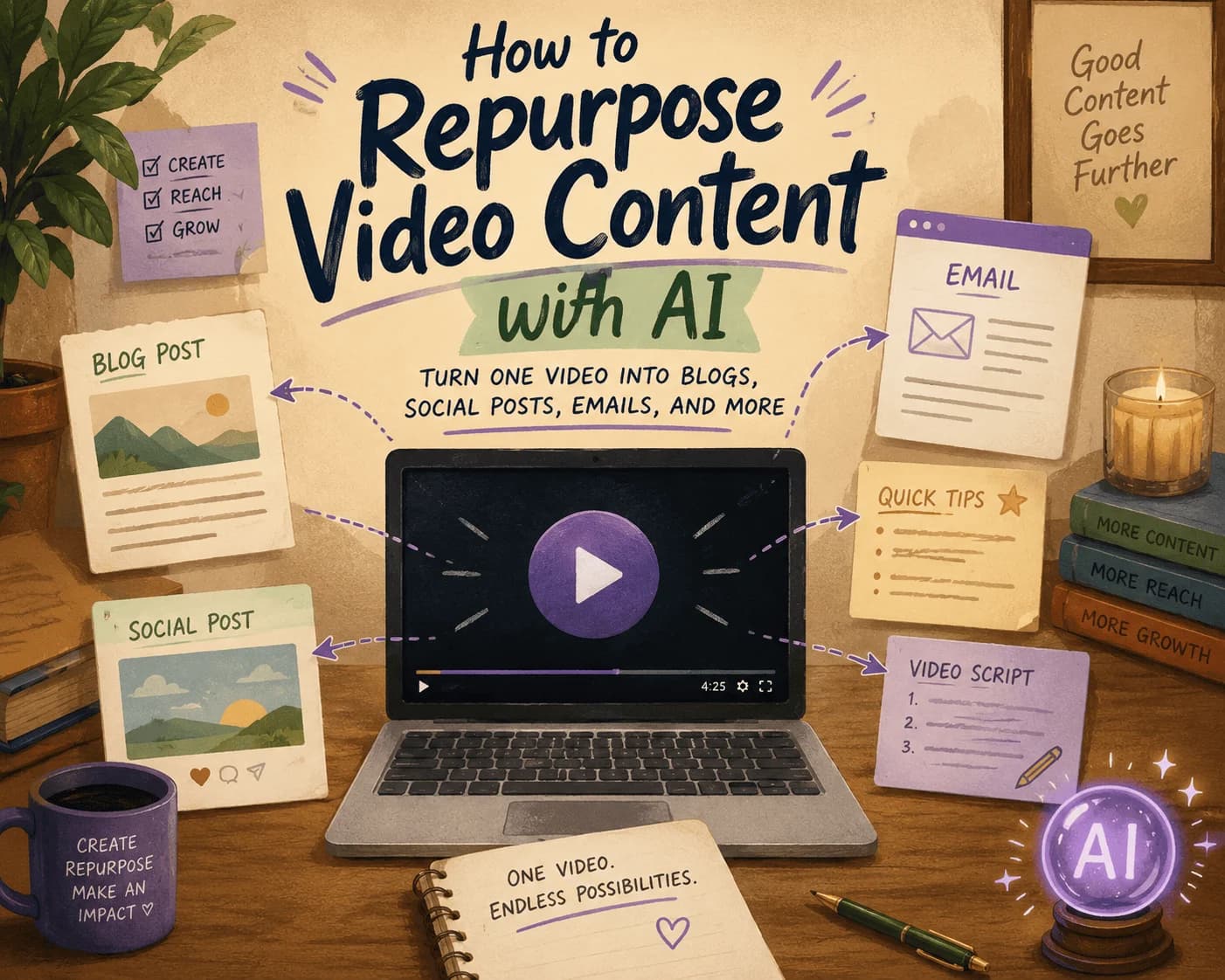
How to Repurpose Video Content with AI: Turn One Video into Blogs, Social Posts, Emails, and More
Discover how to efficiently repurpose your video content into various formats using AI, maximizing your reach across platforms.

AI GTM Outreach: How Modern Teams Personalize Sales at Scale Without Hiring More SDRs
Learn how AI GTM outreach is changing outbound sales by automating prospect research, personalized email creation, and campaign execution. Discover best practices, common pitfalls, and how AI agents can dramatically increase outbound efficiency.
The Complete SEO Audit Guide for 2026: How to Find and Fix Website SEO Issues Faster with AI
Learn how to conduct a comprehensive SEO audit in 2026 using AI tools to identify and fix website SEO issues efficiently.
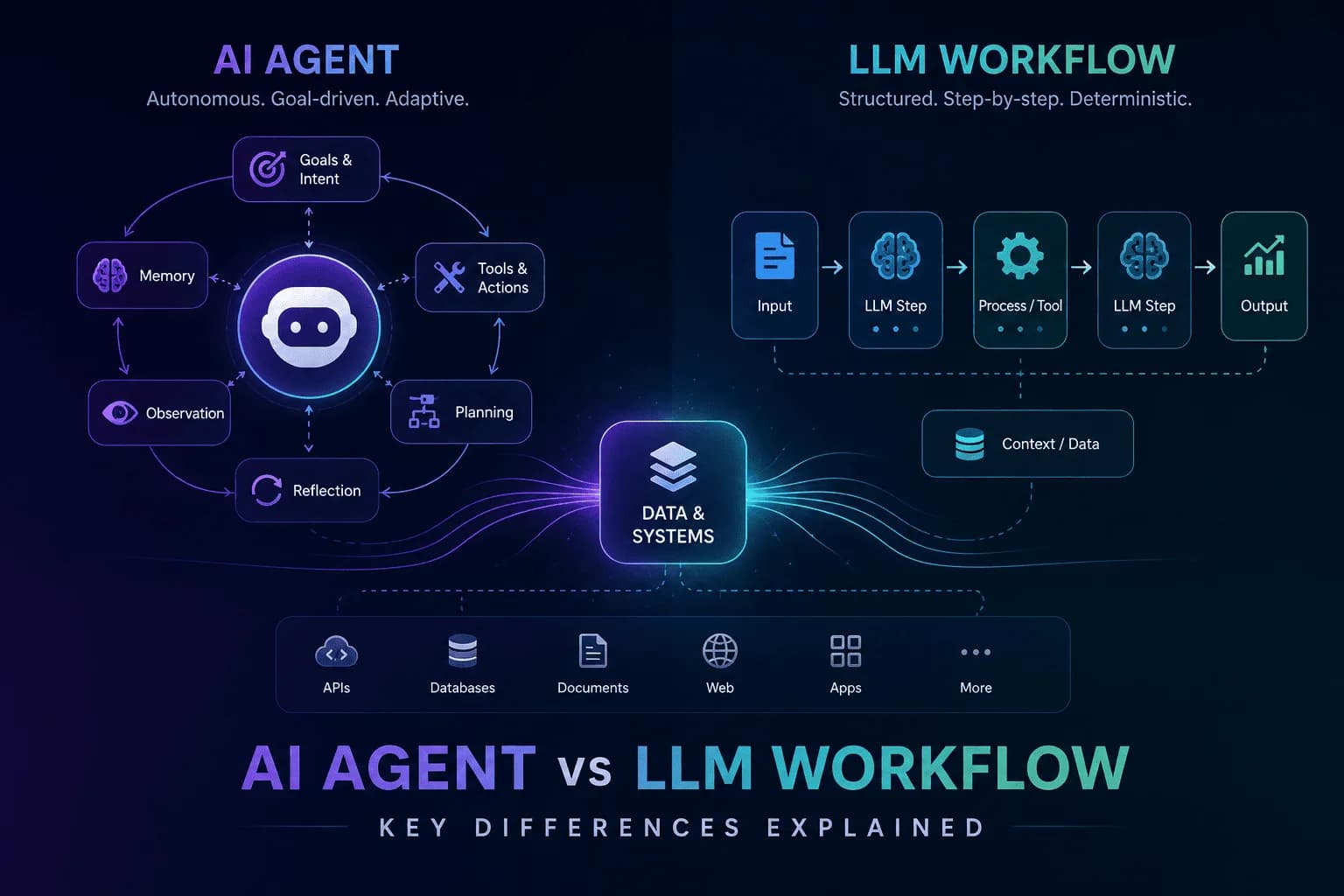
AI Agent vs LLM Workflow: Understanding the Key Differences
Unravel the distinctions between AI agents and LLM workflows to enhance your automation strategy. Discover their functionalities and applications.
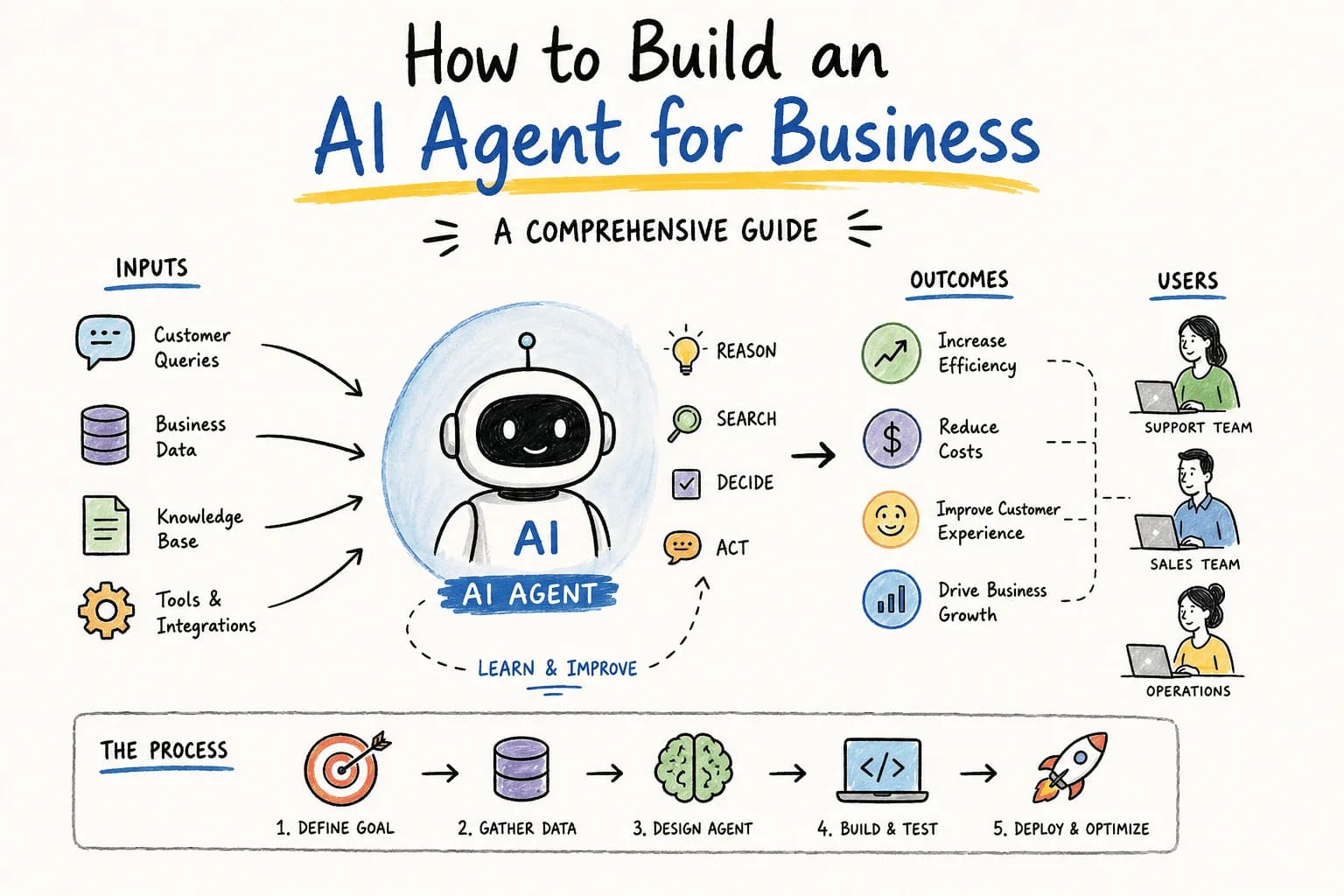
How Do I Build an AI Agent for My Business?
Wondering how to build an AI agent for your business? This guide walks you through essential steps, tools, and considerations to create an effective AI solution.
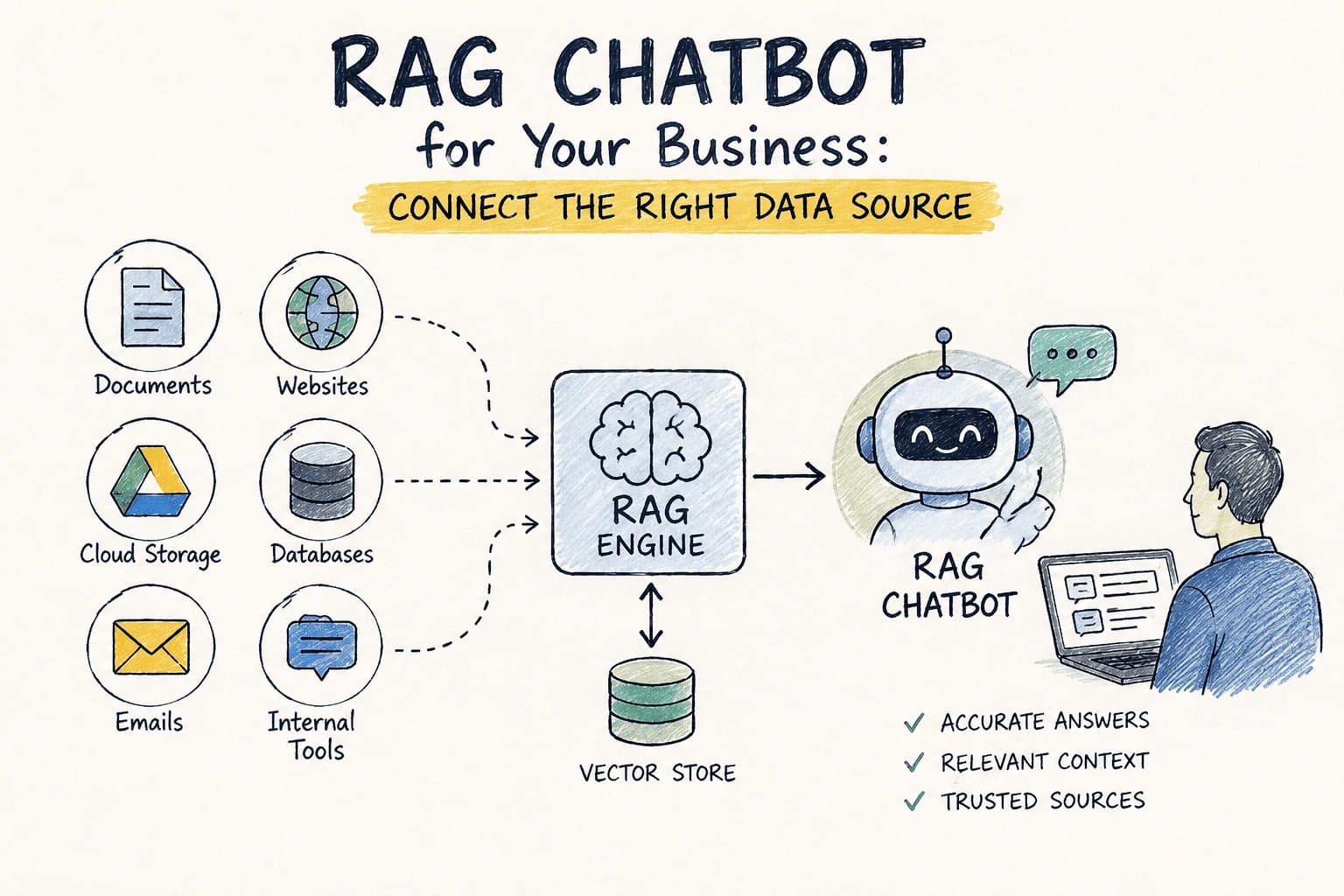
RAG Chatbot for Your Business: Which Data Source Should You Connect First?
Choosing the right data source for your RAG chatbot can be challenging. This guide compares options to help you decide which to connect first.
Stay ahead in AI
Get updates on agents, MCP, and production AI workflows.
Comments coming soon.